Top 3 Exactestate.com Alternatives for Property Management 2026

Managing property paperwork, leases, and legal notices wastes time and leads to common form errors for landlords and property managers. Many software tools restrict full document automation or charge extra for each legal notice or advanced form, which raises costs. This comparison maps pricing, automation, and portfolio fit across three ExactEstate.com alternatives so landlords and property managers can match a landlord forms platform to their workload and budget.
Table of Contents
LandlordForms

At a Glance
The vendor advertises it can save up to eight hours a week by auto filling notices and documents. Marketing materials also state every subscription plan includes unlimited document generation for notices, receipts, and inspection reports. The platform focuses on reducing form errors and keeping tenant paperwork in one place.
Core Features
LandlordForms offers automated document generation for notices, receipts, inspections, and leases, with forms that auto fill using tenant data. The system applies date calculations to notices and logs rent payments while producing professional PDFs. Photo inspection documentation includes timestamped evidence and stored tenant documents for quick retrieval.
Key Differentiator
The standout feature is the automatic notice filling that applies date math and tenant details to produce ready to sign PDFs. That approach removes manual date calculations and reduces the common form errors landlords face. The result is faster document creation with fewer legal missteps.
Pros
The product reduces paperwork time and the vendor claims the weekly hours saved above reflect that outcome. Automated date and form filling cuts common mistakes that lead to disputes or rejected notices. Users get professional looking PDFs and the option to try core features without creating an account, which lowers the barrier to testing the workflow.
Cons
- The platform is mainly designed for small portfolios and may not fit larger property management operations.
Who It’s For
Small landlords managing 1–150 rental units who want to reduce paperwork and avoid filing errors will find this useful. Property owners who issue frequent legal notices, receipts, or inspection reports benefit from automated date math. Teams that do not need advanced bulk editing or enterprise grade workflows will likely get the most value.
Unique Value Proposition
All plans include unlimited document generation, so you can produce legal notices, receipts, and inspection reports without per document fees. That pricing model changes the math for managers who issue many notices during a year. It makes predictable budgeting easier while keeping document volume unmetered.
Real World Use Case
A landlord running 50 units uses LandlordForms to generate rent increase notices, attach timestamped inspection photos, and log receipts. That workflow mirrors the vendor claim about saved time and reduces manual calculation errors that once caused missed deadlines. The centralized document store also speeds dispute response.
Pricing
Starter costs $9/month, Pro costs $19/month, and the Small PM Suite costs $39/month. The vendor advertises discounts for annual billing and bundle purchases.
Website: https://landlordforms.io
Avail
At a Glance
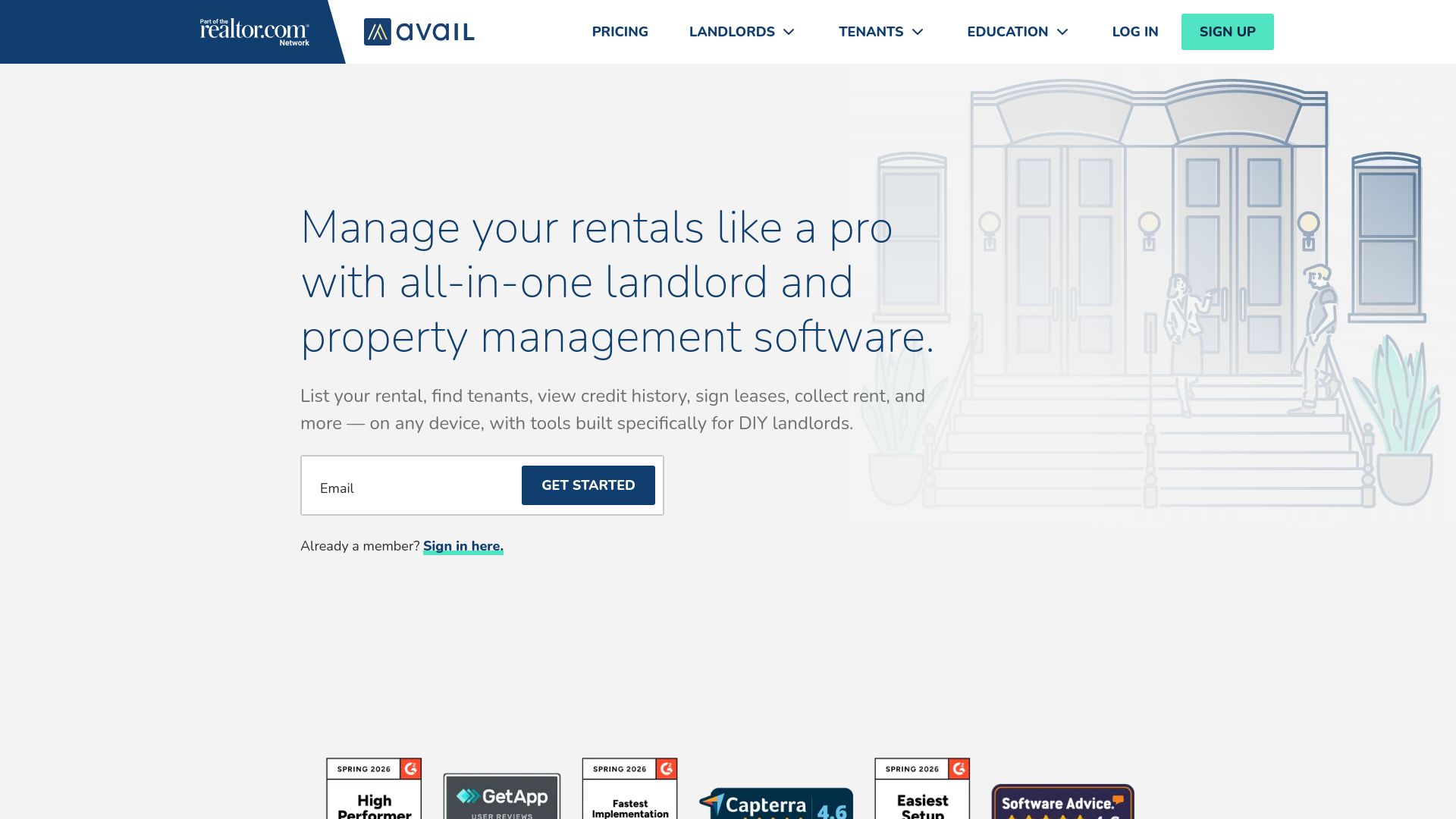
Avail reports over 1 million landlords use its tools to manage rental listings, screening, leasing, and rent collection. The platform offers a free basic tier that covers the core needs of DIY landlords. Premium upgrades add faster support and extra controls for landlords who need more automation.
Core Features
Avail centralizes listing syndication to major rental sites and tenant screening that includes credit and background checks. It supports digital lease signing with customizable templates, online rent collection with automatic reminders and late fees, plus maintenance request tracking and rental property accounting. Tenant communication and centralized records keep messages, payments, and expense tracking in one place.
Key Differentiator
Avail bundles essential landlord tools into a single free platform while offering paid upgrades for advanced features. That approach gives small owners a low barrier to entry and a clear upgrade path when they scale. Compared with LandlordForms, Avail skews toward tenant-facing tools and marketplace syndication rather than specialized document automation for 1 to 150 units.
Pros
The free tier includes the basics most DIY landlords need, which reduces upfront cost to start managing listings and collecting rent. Automation for lease signing and rent reminders cuts routine work, and live customer help improves onboarding and issue resolution. That large reported user base also supplies community knowledge and practical examples shared among landlords.
Cons
-
Premium features such as FastPay and custom branding require upgrading to the paid plan.
-
Tenant screening report fees vary by location and may be passed to tenants, which can affect applicant experience.
-
The free plan limits access to exclusive tools and some convenience features.
-
Landlords with large or complex portfolios may find enterprise features missing for high-volume accounting and integrations.
When It May Not Fit
Landlords who need custom branding across tenant portals will face extra costs for upgrades. Owners managing hundreds of units or multiple corporate portfolios will likely need more advanced accounting and API integrations than Avail offers. Landlords who prefer to absorb screening fees rather than pass them to applicants should review fee policies closely.
Notable Integrations
Avail connects with rental listing channels and property marketplaces such as Zumper, Redfin, and Zillow. These integrations help amplify listings to audiences outside local classifieds. Integration availability supports syndication and improves exposure for vacancies.
Who It’s For
Avail fits DIY landlords and small owners managing up to a few dozen units who want an affordable, tenant-facing toolset. It works well for owners who list on multiple rental sites and prefer handling screening, leasing, and rent collection in one place. Landlords who expect simple accounting and straightforward maintenance tracking will find it suitable.
Real World Use Case
A landlord lists units on realtor.com and major portals through Avail, then sends a screening link to applicants. After approval, the landlord issues a digital lease, collects the first rent payment online, and tracks maintenance requests with photo attachments. The same account records income and expenses for basic property accounting.
Pricing
The base tier is free for essential features. Avail advertises a paid tier called Premium Plus at $9/unit/month that adds faster support and extra tools. Transaction and screening report fees may still apply depending on services used.
Website: https://avail.com
DoorLoop
At a Glance
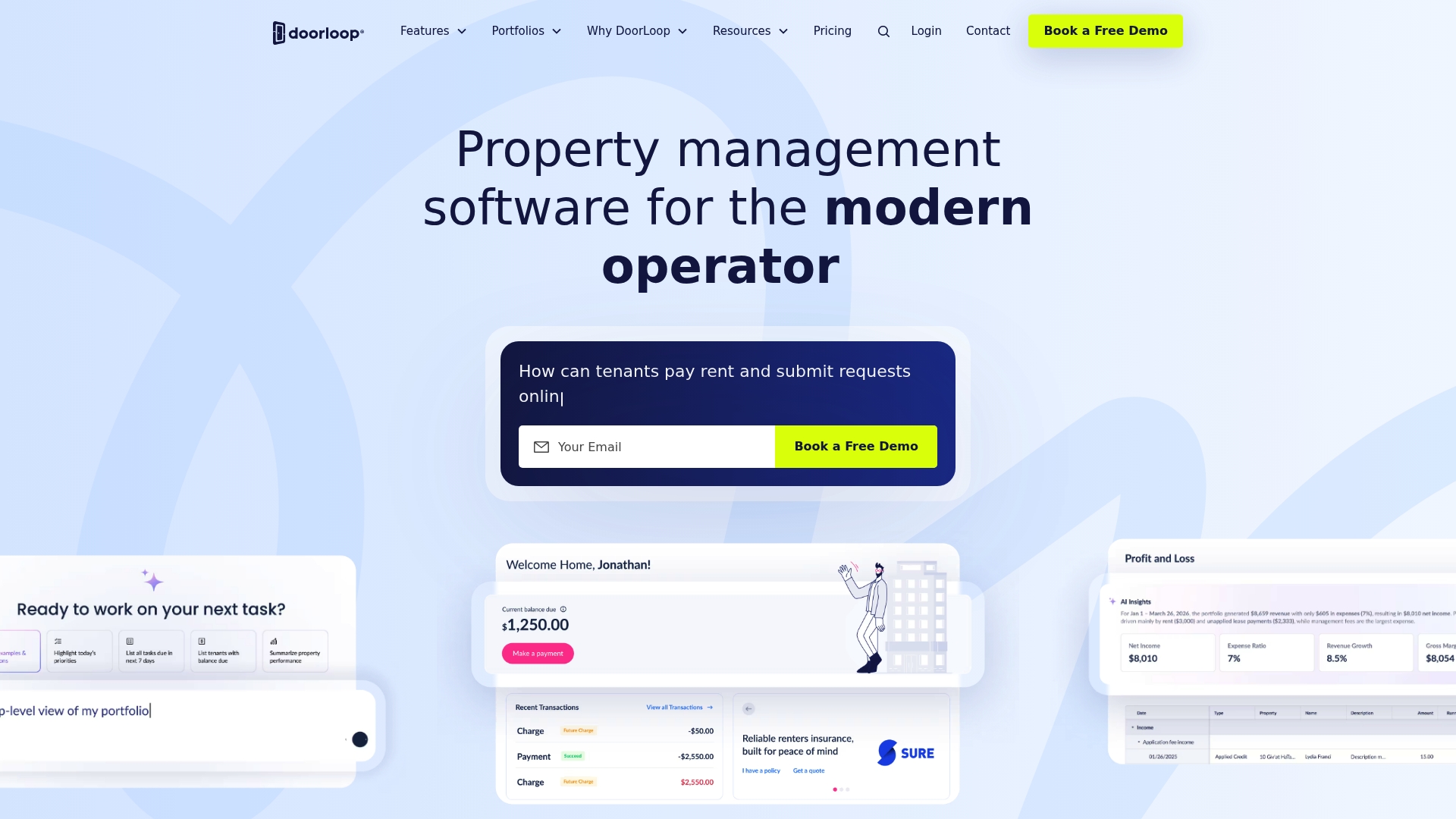
DoorLoop reports a 4.9/5 support rating on Capterra, which vendors cite when promoting the product. $69/month is the advertised entry price for basic plans. The service bundles accounting, rent collection, tenant and owner portals, and AI inspections into one system.
Core Features
DoorLoop delivers accounting and financial reporting alongside automated rent collection and tenant screening with digital leasing. Maintenance management includes AI support for inspections and workflow automation to reduce manual paperwork. Tenant and owner portals provide communication and transparency while APIs and Zapier compatibility let you connect other systems.
Key Differentiator
DoorLoop’s defining angle is an all in one approach that combines AI automation with features for rapid portfolio growth. It prioritizes scaling across residential, commercial, HOA, and affordable housing portfolios. Compared with Landlordforms’ focus on landlords managing 1 to 150 units, DoorLoop targets larger and mixed portfolios.
Pros
DoorLoop reports quick setup and migration tools that shorten onboarding for teams moving from other systems. Automation features, including rent automation and AI inspections, cut repetitive tasks and improve inspection consistency. Support is a frequent positive in reviews, and that rating reinforces confidence for managers scaling their operations.
Cons
- Pricing grows with unit count and added features, which can make the platform less affordable for very small landlords.
- Several core capabilities sit behind higher tier plans, so full functionality requires upgrading.
- The depth of features creates a learning curve and may require training for new users.
When It May Not Fit
Single-property landlords or very small owners will likely find DoorLoop more powerful than needed and more expensive than simpler alternatives. Teams that only need basic form generation and minimal accounting might prefer a lighter tool. Organizations with tight budgets should model unit-based fees before committing.
Notable Integrations
DoorLoop integrates with QuickBooks for accounting sync and uses Zapier for workflow automation. APIs are available for custom integrations and bespoke data flows.
Who It’s For
Property managers, landlords, and investors running small to very large portfolios will get the most value from DoorLoop. Teams responsible for mixed-use holdings, HOAs, or affordable housing will benefit from the portfolio and reporting features. Single-unit owners seeking a minimal paperwork tool are not the primary audience.
Real World Use Case
A management company with 150 residential units and several commercial properties uses DoorLoop to automate rent collection and manage maintenance requests. AI inspections handle routine checks while tenant portals reduce phone calls and emails. Real-time financial reports replace manual spreadsheets and speed owner statements.
Pricing
Pricing starts at $69/month and scales by unit count and selected features. Higher tiers add advanced automation, reporting, and larger portfolio support.
Website: https://doorloop.com
Comparison of alternatives
Selecting the appropriate property management solution depends largely on the specific needs of your rental portfolio. Each platform in this comparison addresses unique landlord requirements.
Usability and suitability for small landlords
LandlordForms emphasizes automation by simplifying legal notice creation and documentation processes with automated date entry and data pre-filling. This feature particularly benefits landlords managing portfolios of 1 to 150 units, aiming for error reduction and time efficiency. Conversely, Avail delivers accessible tools for screening and leasing, appealing to new landlords due to a free tier. While DoorLoop offers advanced functionalities suitable for larger operations, its higher starting cost may not align with the small landlord segment represented by LandlordForms’ target base.
Adaptability for scaling portfolios
Among the compared platforms, DoorLoop supports larger, diverse portfolios, such as those encompassing both residential and commercial properties. By integrating advanced features like AI-assisted inspections, DoorLoop caters to users who prioritize portfolio expansion and management. However, these extensive capabilities introduce a complexity exceeding the needs of smaller-scale landlords, making Avail and LandlordForms the preferable options for that demographic.
Best fit
- Effortless yet accurate document management for small-scale operations: LandlordForms caters to landlords managing up to 150 units with unique auto-filling features that align legal notices as per tenant specifics.
- Starting at zero cost to explore property management solutions: Avail benefits landlords seeking a free entry point with tenant-facing features and marketplace integration.
- Managing a diverse and large-scale portfolio: DoorLoop proves valuable for landlords or property managers requiring an extensive set of tools for mixed-use property management and automation.
Our pick
For landlords seeking a streamlined experience managing tenant documents and especially requiring precise, time-saving legal document creation for a moderate-sized portfolio, LandlordForms is the best choice. Its automated processes and unlimited document generation make it especially advantageous. However, for those looking to achieve initial exposure without upfront costs or handling more extensive and complex portfolios, Avail and DoorLoop present strong alternatives.
For landlords and property managers looking to select a platform that best supports their needs in managing leases, maintaining properties, and conducting tenant screening, here is a summarized comparison of the top options.
| Product | Key Features | Target Audience | Pricing | Notable Limitation |
|---|---|---|---|---|
| LandlordForms | Automated paperwork, date calculations, tenant data autofill | Landlords managing up to 150 units | $9/month (Starter), $19/month (Pro), $39/month (Small PM Suite) | Best for smaller-scale operations and not tailored to larger portfolios |
| Avail | Free tier with screening, leasing, and rent collection | DIY landlords managing a few dozen units | Free tier; Premium Plus $9/unit/month | Some features locked behind paid plus plan and tenant fee policies |
| DoorLoop | Comprehensive system with AI tools and accounting | Property managers with varied portfolios | Starting at $69/month, scales with unit count | High cost for small-scale landlords |
Choosing the Right Tool Among Top exactestate.com Alternatives
Property owners managing 1 to 150 rental units often struggle with time-consuming paperwork and the risk of legal errors. Many landlords face challenges with manual date calculations, missed deadlines, and organizing tenant information efficiently. Landlordforms addresses these pain points by automating the creation of notices, receipts, and inspection reports. This software reduces paperwork by up to eight hours each week, turning complicated tasks into a few clicks while keeping all tenant documents in one place.
Landlordforms offers:
- Unlimited document generation without extra fees
- Automated date calculations that prevent common errors
- Clear rent payment tracking and timestamped inspection photos
Learn how Landlordforms can save you time and reduce errors by visiting Landlordforms official site. Try the benefits of simpler property management and generate accurate, professional landlord forms with ease.
FAQ
How does Landlordforms save time for small landlords managing rental units?
Landlordforms can save up to eight hours a week by auto filling notices and documents. The platform’s automated document generation for legal forms, receipts, and inspections streamlines the paperwork process. As a result, small landlords can focus more on managing their properties and less on administrative tasks.
What is the difference between Avail and Landlordforms in terms of tenant-facing tools?
Avail offers tenant-facing tools like listing syndication and tenant screening, which cater well to DIY landlords. In contrast, Landlordforms focuses more on document automation and legal notices, making it a better fit for landlords primarily interested in reducing paperwork errors and creating professional documents.
Which platform provides unlimited document generation without extra fees?
Landlordforms provides unlimited document generation across all subscription plans, allowing users to create legal notices, receipts, and inspection reports without incurring additional costs. This model stands out for landlords who frequently need to produce these documents throughout the year.
Can I use Landlordforms if I manage a larger property portfolio?
Landlordforms is mainly designed for small landlords managing 1–150 rental units and may not be the best fit for larger property management operations. Owners with extensive portfolios might need features that cater specifically to high-volume needs, which Landlordforms does not fully support.
How does the pricing of Landlordforms compare to DoorLoop?
Landlordforms starts at $9/month, while DoorLoop’s basic plan begins at $69/month. This significant difference means that Landlordforms can be more accessible for smaller landlords or those with tighter budgets, allowing for cost-effective management without sacrificing essential features.