Top 6 landlordtracks.com Alternatives for 2026
Finding a landlord forms automation platform that saves real time on repetitive paperwork without missing legal validation or evidence storage is harder than expected. Many platforms restrict document automation to paid tiers, lack automatic error checks, or require manual attachment of inspection photos. This comparison covers price, automation depth, and validation features across six landlord forms tools so landlords can match one to their routine and unit count.
Table of Contents
- LandlordForms
- Avail
- Innago
- Landlord Studio
- AppFolio Property Management Platform
- Buildium
- Comparison of alternatives
LandlordForms
At a Glance
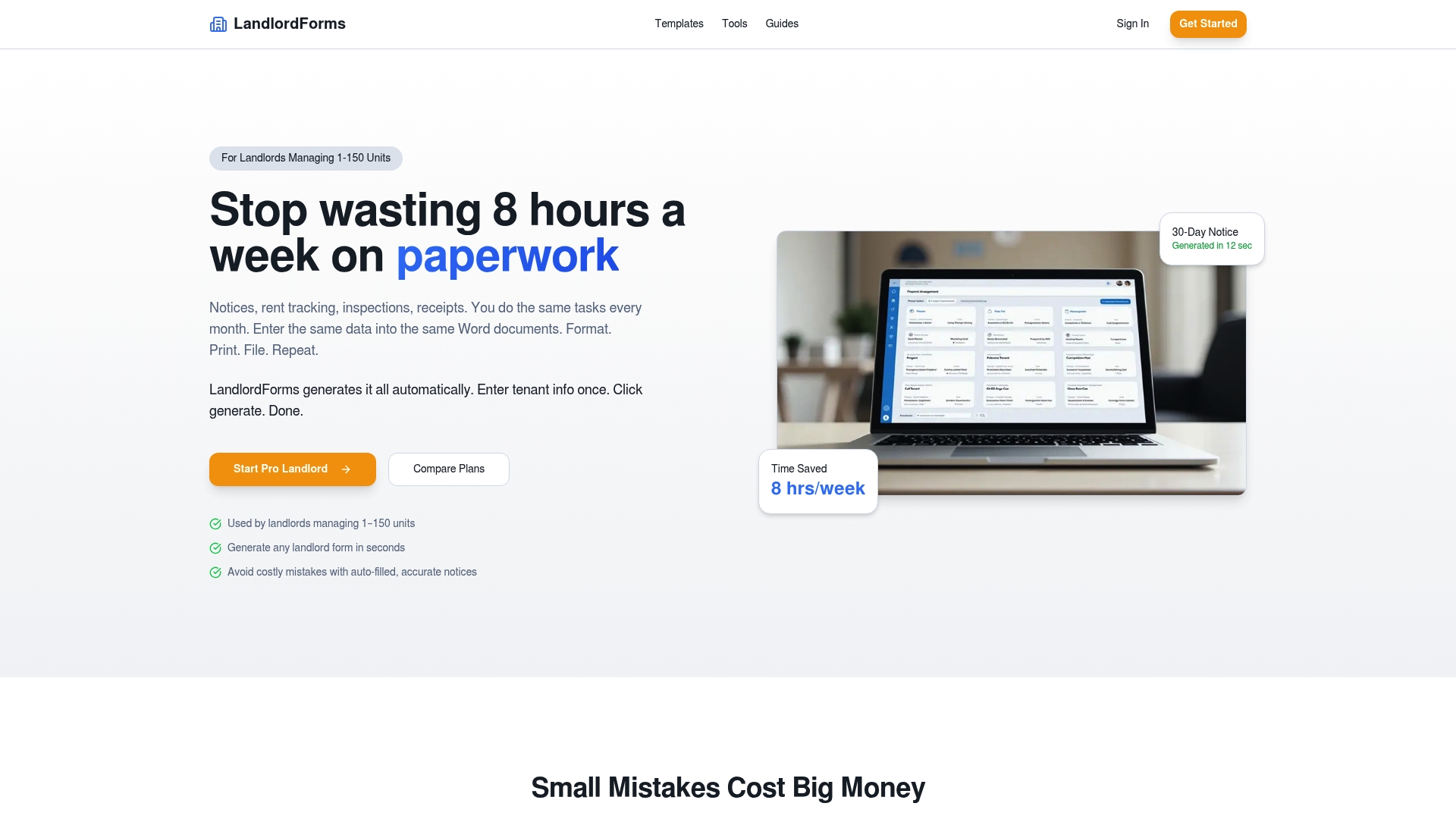
Starting at $9/month for 1–5 units, LandlordForms includes unlimited document generation on every plan. According to the company, users save up to eight hours a week. The product targets small landlords managing 1–150 units and bundles rent tracking with timestamped photo inspection evidence.
Core Features
LandlordForms automates document creation for notices, receipts, and inspections while validating dates and fields to reduce manual errors. The platform stores all generated PDFs and tenant profiles in one place and produces timestamped photo documentation for inspections. It also handles rent tracking and automated rent receipts so records stay consistent across files.
Key Differentiator
The single capability that sets LandlordForms apart is its validated document generation that applies automatic date calculations and field checks. Those checks catch common legal mistakes such as misdated notices and improperly formatted deadlines. This focus on validation directly targets the kind of paperwork errors that lead to disputes.
Pros
The product groups core paperwork tasks into a single workflow so you spend less time copying information between templates. That time-saving figure helps reduce weekly admin burden for landlords who handle notices and receipts frequently. Professionally formatted PDFs and error validation reduce the chance of a technical defect in legal notices, and built-in photo inspection logging preserves timestamped evidence for disputes.
Cons
- Limited to landlords managing 1–150 units. Larger property management companies will likely need tools built for enterprise scale.
Who It’s For
Small-scale landlords who manage between 1–150 rental units and want to remove repetitive paperwork from their weekly routine. Owners who handle their own notices, rent records, and inspections will see the most value. Landlords who need enterprise reporting or team-based permission controls may find it too focused on solo or small-portfolio workflows.
Unique Value Proposition
Unlimited document generation combined with automatic error validation reduces the manual cross-checks you now run before sending notices. That pairing lowers the administrative hours spent on formatting and date math and reduces the chance of technical defects in legal documents. For a small landlord, it replaces juggling templates with a single validated output.
Real World Use Case
A landlord with 50 units uses LandlordForms to produce move-out checklists, rent increase notices, and automated receipts. They attach timestamped inspection photos to tenant files and keep all PDFs in one searchable folder. The result is faster notice creation and clearer evidence if a dispute arises.
Pricing
Plans start at $9/month for 1–5 units and scale to $39/month for 31–150 units, billed monthly. Discounts are available for annual billing.
Website: https://landlordforms.io
Avail
At a Glance
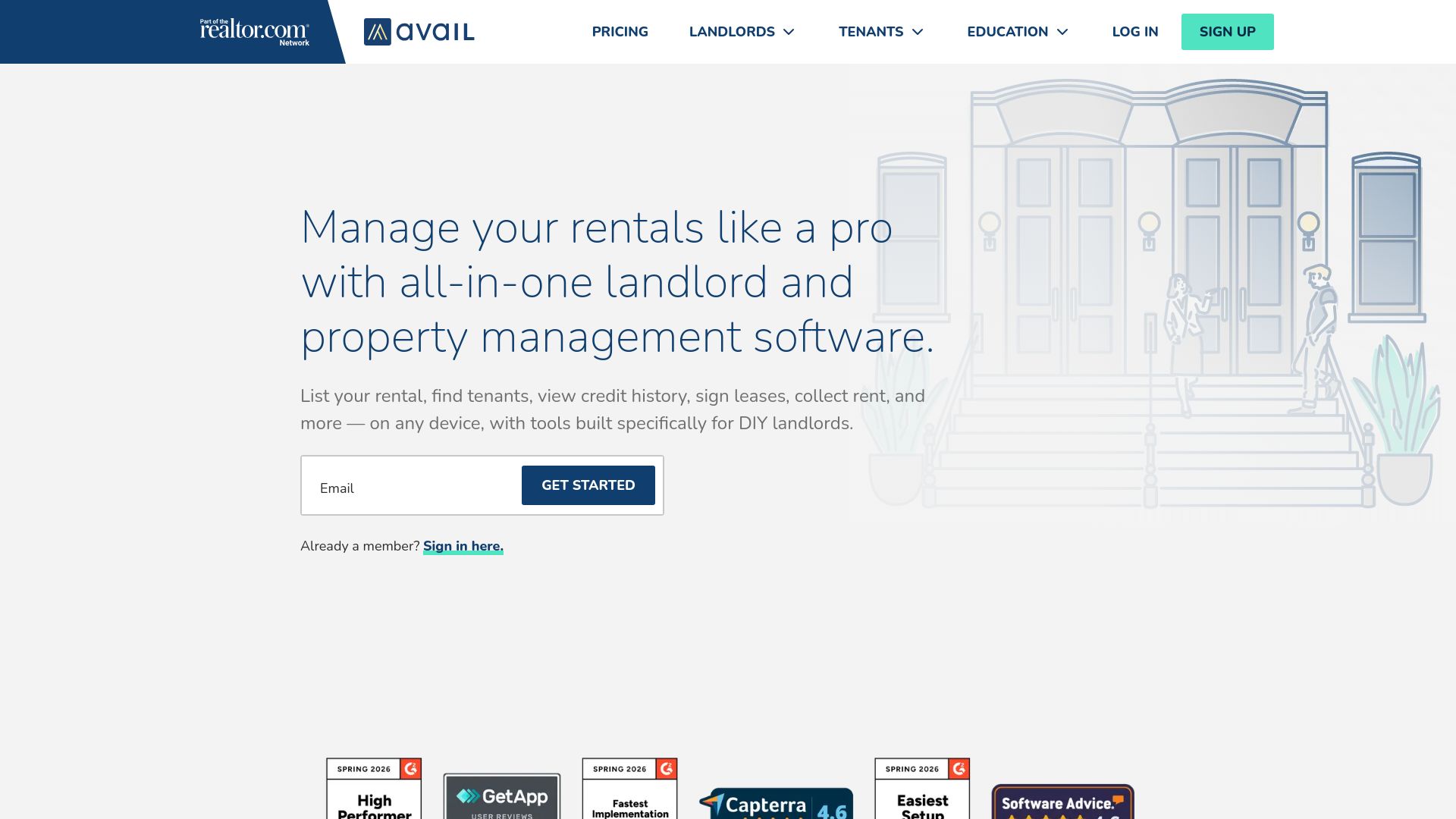
Avail reports over 1 million landlords use the platform. The product offers a free tier for basic property management and a paid Unlimited Plus plan that costs $9 per unit per month. That mix makes it easy to try core tools before committing to the premium feature set.
Core Features
Post rental ads to multiple listing sites and social channels while accepting online applications and pulling credit and background reports. Provide lawyer reviewed lease templates and electronic signing, collect rent online with automatic reminders and late fee rules, and log maintenance requests with cost tracking. The platform also imports income and expense activity, centralizes tenant messaging, and supplies rental analysis with property accounting tools.
Key Differentiator
The product bundles the full rental cycle into a single interface with options for free use or a per unit upgrade. That approach focuses on landlords who want a single place to advertise, screen, lease, collect rent, and record finances. The result is a unified workflow without needing separate listing, screening, and accounting apps.
Pros
The interface is straightforward and lowers time spent on routine tasks. Automation for reminders and late fee rules reduces missed payments and the platform links rent reporting to credit files. A free tier lets small portfolios manage listings and tenants at no monthly cost while the paid plan unlocks faster processing and additional customization.
Cons
-
Customer support has mixed reviews about response time and consistency, according to third party feedback. Users who rely on fast, hands on help may find that variable.
-
Advanced customization and premium tools sit behind the paid plan, which can raise costs for landlords who need more features. That makes scaling pricier as you add units.
-
The free tier leaves out some tools larger portfolios typically want, so you may need to upgrade to get bank imports or advanced accounting.
When It May Not Fit
This product best serves small to medium portfolios. Larger property managers who need enterprise reporting, bulk user controls, or dedicated account management will likely find missing features. Landlords who value guaranteed, rapid support should evaluate support options carefully before committing.
Who It’s For
DIY landlords managing one to a few dozen units who want a single app for listings, tenant screening, leases, rent collection, and basic accounting. Owners who prefer a low entry cost will appreciate the free tier and the per unit pricing model. Landlords who plan to grow and pay per unit can scale at predictable increments.
Real World Use Case
A landlord posts a vacancy once and syndicates it across major sites. Applicants apply online and the owner orders credit and background checks, signs a lawyer reviewed lease electronically, and sets up automated rent collection. Maintenance requests and expense entries then flow into the same account for month end reporting.
Pricing
Basic tools are free for landlords who only need listings, applications, and simple rent collection. The Unlimited Plus plan charges $9 per unit per month and adds faster processing, extra customization, and exclusive tools for growing portfolios. Volume billing by unit makes costs predictable as you add properties.
Website: https://avail.com
Innago

At a Glance
Innago reports the platform is completely free with no setup or monthly fees. The vendor advertises high user satisfaction and industry awards. The product focuses on core landlord workflows for rent payments, lease signing, maintenance, and tenant communication accessible from desktop and mobile.
Core Features
Innago combines Online Rent Payments, Online Lease Signing, and Maintenance Requests with tenant screening, expense reporting, mobile apps, and API access. The platform also offers listing syndication and credit reporting integrations so you can manage applications and move ins from the same place. That set of features reduces paperwork and centralizes tenant records for small to mid sized portfolios.
Key Differentiator
That free offering separates Innago from most competitors. It provides a full set of renter management tools without contracts or monthly fees, which lowers the barrier to switching from spreadsheets or manual processes. The vendor also highlights API access and multiple integrations for owners who need simple customization.
Pros
Innago is free to use with no setup or monthly fees, which lets you pilot core workflows without financial risk. The interface is simple and intuitive, so new staff or part time landlords reach operational use quickly. Automation covers rent reminders, online payments, and lease execution, cutting administrative hours. Tenant communication and credit reporting options keep screening and incident tracking in one place. That satisfaction claim supports the platform’s ease of use for busy owners.
Cons
-
Limited detailed customization options beyond the standard templates for leases and notices.
-
No advanced accounting features beyond basic reporting, so you will still need external accounting tools for complex ledgers.
-
Potential scalability concerns for very large or highly complex portfolios with custom workflows.
When It May Not Fit
If you require deep accounting integration or multi entity accounting, this product may fall short. Large management companies that need bespoke workflows or detailed custom fields will find the platform restrictive. If your portfolio uses enterprise reporting or consolidated financial statements, plan to pair Innago with a dedicated accounting package.
Notable Integrations
Innago connects to common listing, payment, and screening partners to reduce manual entry. Key integrations include:
- Quickbooks
- Dropbox Sign
- Realtor, Zillow, Zumper
- Plaid
- Experian, Transunion
- RentalSource, Hotpads, Bing, Uloop
Who It’s For
Small to mid sized landlords, independent property managers, and affordable housing providers who want a free, easy to use rental property management tool. Owners who value simple automation for rent collection and tenant communication will get the most value. Teams that plan to keep accounting external will adopt it faster.
Real World Use Case
A landlord with 50 rental units uses Innago to accept online rent and automate late notices. Tenants submit maintenance requests through the mobile app and managers attach photos to tickets. The result is fewer phone calls, faster issue resolution, and time saved on routine administration.
Website: https://innago.com
Landlord Studio
At a Glance
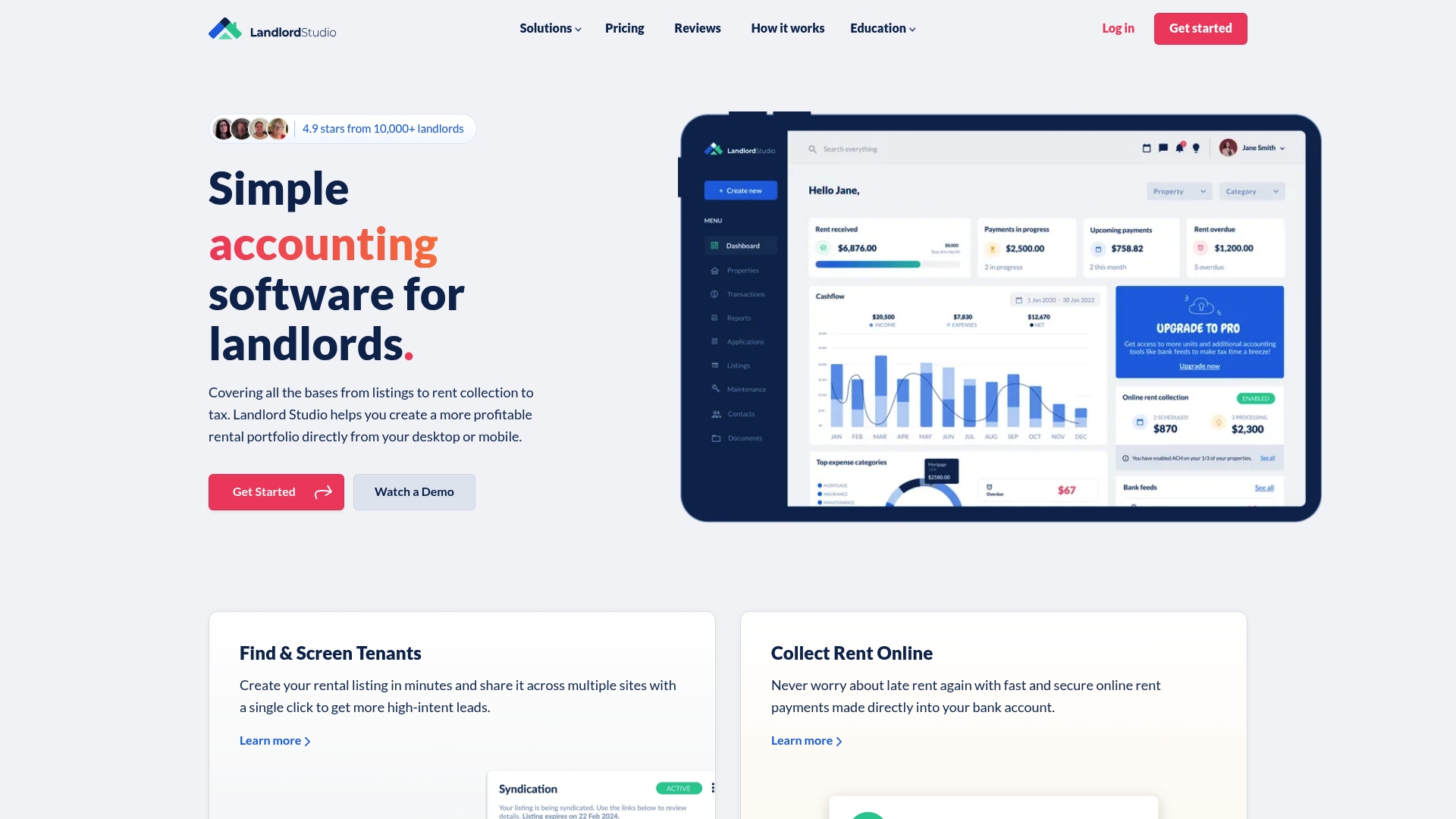
Landlord Studio reports more than 80,000 landlords and a 4.9-star rating from over 10,000 reviews. The app combines listings, screening, rent collection, bookkeeping, and maintenance tools in a single application. It runs on desktop and mobile so you can manage properties from anywhere.
Core Features
Landlord Studio lets you create and syndicate rental listings across multiple platforms while running tenant screening through TransUnion. The platform automates online rent collection and deposits and connects bank feeds for easier reconciliations. It also offers AI-assisted bookkeeping and tax-ready reports such as Schedule E and profit and loss statements.
Key Differentiator
Landlord Studio stands out for being highly rated and easy to use for small landlords. It bundles tenant screening through TransUnion, automated rent deposits, and accounting into one app tailored to single owners and small investors.
Pros
The product offers a single application that covers listing, screening, payments, and accounting, which reduces paperwork and task switching. That rating suggests a strong satisfaction level among reviewers. Automation for rent collection, bank feeds, and notifications saves time on routine tasks while the reporting tools help when preparing taxes.
Cons
- Limited to small portfolios. This product is not built for large property management companies and may lack enterprise workflows.
- Some advanced features require higher-tier plans or add-on fees. Expect to pay more for bank integrations or full accounting features.
- New users report a learning curve. The app is easy to use once set up, but initial configuration can take time.
When It May Not Fit
If you manage dozens or hundreds of units, this solution may feel too lightweight for complex operations. Larger teams needing multiuser roles and granular permissions may find feature gaps. Also, some features vary by plan and by geographic location, which can limit functionality for specific markets.
Notable Integrations
Landlord Studio integrates with a few accounting and screening services that landlords commonly use.
- Xero for accounting syncs and bookkeeping exports.
- Bank feeds for automatic transaction import and reconciliation.
- Tenant screening services for credit and background checks.
Who It’s For
This product fits independent landlords and small investors who manage one to a few dozen units. It suits people who want rent collection, bookkeeping, and screening in one place. Choose it if you prefer a single app over juggling multiple spreadsheets and logins.
Real World Use Case
A landlord with several rental units lists vacancies through the app and runs TransUnion screens on applicants. They collect rent online and link bank feeds so deposits reconcile automatically. At tax time they export Schedule E and profit and loss reports for their accountant.
Pricing
A free plan is available for basic use. Paid plans start at $12/month for Pro and go to $28/month for Pro Plus. Annual billing offers a 20% discount for those who pay yearly.
Website: https://landlordstudio.com
AppFolio Property Management Platform
At a Glance
Built in agentic AI drives task automation and surfaces operational recommendations across leasing, maintenance, and accounting. The platform groups resident and owner portals, marketing, and mobile inspections under a single login. AppFolio offers tiered plans named Core, Plus, and Max that scale from basic operations to enterprise customization.
Core Features
AppFolio unifies property accounting, real time reporting, and resident and owner communication in one interface. The product includes workflow automation using Realm-X flows and performers, mobile inspection tools with photo documentation, and leasing automation that handles online showings and electronic lease signing. A marketplace called AppFolio Stack™ and public APIs allow data integration and third party extensions.
Key Differentiator
AppFolio was built around agentic AI to automate decisions and trigger workflows without manual scripting. That emphasis on AI aims to reduce repetitive work and to surface operational insights across property types. The platform pairs those capabilities with marketplace integrations to expand functionality for larger portfolios.
Pros
Deep integration with property management processes keeps accounting, maintenance, and leasing in a single system. Built in AI can reduce routine tasks and highlight exceptions for human review. Flexible plans let companies pick a level of customization and reporting that matches portfolio size, and the marketplace supports additional tools and service partners.
Cons
- The platform has a broad feature set that requires time and training to learn well. Training needs may slow rollout for small teams.
- Pricing and module structure favor larger operators. Smaller portfolios may find higher tiers costly or more complex than needed.
- Several advanced features and third party tools operate as add ons or separate modules. That can increase total cost and integration work.
When It May Not Fit
If you manage a handful of rentals and want a minimal paperwork tool, AppFolio’s depth will likely feel excessive. Small landlords who only need document templates and simple rent receipts will find less friction with lighter platforms. Organizations that cannot budget for training or integration services should consider simpler, lower cost options.
Notable Integrations
- AppFolio Stack™ marketplace for third party property tech applications and verified partners.
- Public APIs for data integration and customization to connect accounting, reporting, or CRM systems.
Who It’s For
Property management companies that run mixed portfolios and expect to scale operations will get the most from AppFolio. Teams that need accounting, maintenance, and leasing under one login will find the unified experience useful. Firms planning to adopt automation and partner integrations at scale will benefit most from the platform.
Real World Use Case
A mid sized management firm consolidated separate leasing, maintenance, and accounting systems into AppFolio. The firm automated routine maintenance triage and used AI suggestions to prioritize vendor dispatch. Reporting and owner statements moved to a single source of truth for faster month end close.
Pricing
AppFolio lists Core, Plus, and Max plans and bases final pricing on company size and needs. The vendor provides custom quotes rather than published per unit rates. Expect pricing to reflect the level of customization and add on modules required.
Website: https://appfolio.com
Buildium
At a Glance
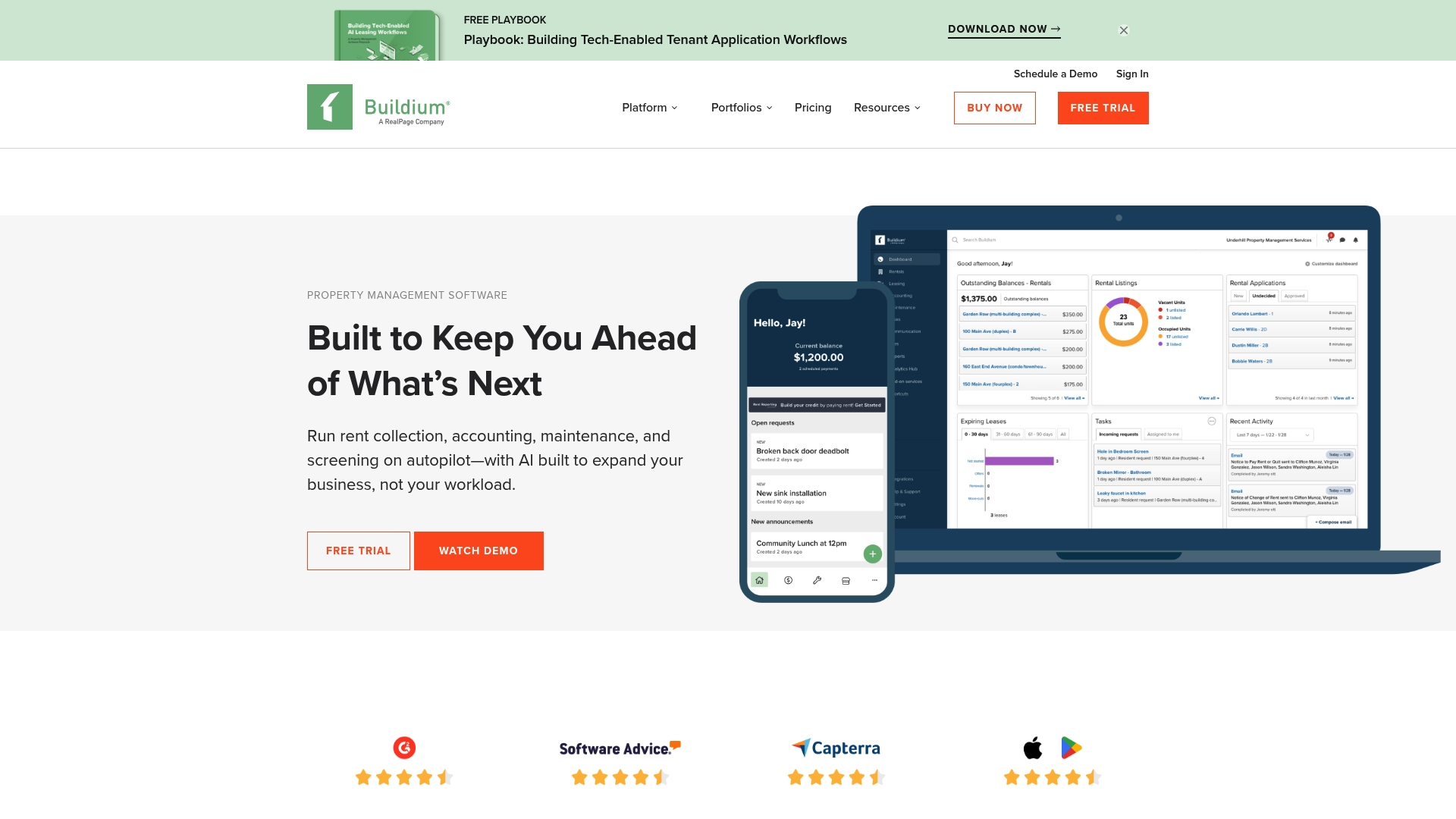
Buildium reports a 95% customer satisfaction rating for its support team. The product bundles automation, AI, and customization into a single property management suite for residential, commercial, associations, and student housing. That breadth makes it suitable for teams running portfolios at scale.
Core Features
Buildium handles accounting for property finances and reconciles owner statements while supporting online rent collection and payment processing. The platform includes leasing workflows, tenant screening, and tenant portals that let residents submit maintenance requests and view documents. Administrators can use work order tracking and reporting to match daily operations to accounting records.
Key Differentiator
Buildium’s edge is combining automation and AI with deep customization and an open API in one product tailored to property management. That technical depth and scale make it a different fit than Landlordforms, which focuses on landlords managing 1 to 150 units.
Pros
Buildium brings many core property management capabilities into one place, so you do not stitch separate tools together. Its Open API and marketplace allow custom integrations and add-ons for unique workflows. The platform’s automation tools reduce manual bookkeeping and tenant follow up, and that support rating above suggests responsive vendor help.
Cons
- Pricing details vary by plan, which can make direct comparisons difficult.
- Transaction fees for online payments may raise operating costs for high-volume collections.
- Complex workflows can require formal training before the team becomes fully productive.
When It May Not Fit
If you only manage a handful of units and need no accounting beyond simple receipts, Buildium’s full feature set may feel heavy. Teams that want a minimal form generator or single-purpose notice tools may prefer a lighter product. Small landlords who want predictable low monthly cost and no transaction fees should compare alternatives.
Notable Integrations
Buildium lists a marketplace of third-party property management apps and provides an open API for custom connections. Third-party modules can add payment processors, screening services, or specialized reporting depending on your stack.
Who It’s For
Property managers and real estate professionals with mixed portfolios will find the product relevant. The platform suits managers of residential, commercial, and association portfolios and teams that need API access or marketplace apps for customization.
Real World Use Case
A midsize property management company uses Buildium to automate rent collection, route maintenance requests to vendors, and keep owner accounting current. The combined workflows reduce manual entry and improve response times for residents.
Pricing
Buildium offers plans starting at $62/month with higher tiers at $192/month and $400/month depending on features and support level. Expect transaction fees and add-on costs to affect total monthly spend.
Website: https://buildium.com
Comparison of alternatives
Landlordforms.io specializes in preventing paperwork errors by automating the generation of validated forms for landlord processes, which ensures legal accuracy and saves substantial administrative time.
Validated documentation vs affordability
Landlordforms.io uniquely offers validated document creation that automates date calculations and checks field accuracy, reducing the risk of legal errors in forms. This feature distinctly serves landlords handling repetitive rental documentation. In contrast, Innago provides a property management tool completely free of monthly costs, attracting budget-conscious landlords who want to improve their workflows without upfront expense.
Use-case scenarios and scale
AppFolio, while tailored for larger property operations, stands out with its advanced automation and integrated functionality for large-scale reporting, owing to AI-driven processes and resident portal systems designed for medium to large property firms. For landlords with complex financial needs, Buildium excels by integrating accounting mechanisms and customizable workflows that support portfolios needing specialized reporting frameworks. Landlord Studio consolidates property management and accounting tasks effectively, ideal for landlords preferring tax-ready financial summaries.
Best fit
- Small landlords prioritizing validated documents with error prevention.
- Budget-focused landlords opting for Innago’s free and functional property management platform.
- Large-scale property managers benefiting from AppFolio’s automation and reporting depth.
- Property managers needing deep accounting integration will find Buildium home.
- Landlords emphasizing tax preparation workflows could find Landlord Studio appealing.
Our pick
Landlordforms.io is for landlords managing between one and 150 units, aiming to eliminate repetitive errors from their document workflows. The platform’s combination of unlimited document generation and built-in validations complements landlords seeking simplicity and precision in rental paperwork.
Selecting the ideal platform for efficient property management tasks can streamline workflows and increase overall productivity. The following table provides a comparison of notable alternatives to consider:
| Product | Key Features | Best For | Pricing | Notable Limitation |
|---|---|---|---|---|
| Landlordforms | Validated document generation, rent tracking, inspections | Small landlords managing 1–150 units | Starting at $9/month for 1–5 units | Limited scalability for portfolios exceeding 150 units |
| Avail | All-in-one tool for listings, screening, leasing, and payments | DIY landlords with small portfolios | Free tier; paid plan at $9/unit per month | Support response times vary; additional costs for premium tools |
| Innago | Rent collection, lease signing, maintenance requests | Small to mid-sized landlords | Free without monthly or setup fees | Limited customization and restrictions for complex workflows |
| Landlord Studio | Listings, rent collection, bookkeeping, reporting | Independent landlords or small investors | Free basic plan; Pro plans $12-$28/month | Some features may require higher-tier plans or add-ons |
| AppFolio | End-to-end automated workflows with AI Assistance | Mid to large-scale management firms | Pricing provided on request | Steep learning curve; complex or unneeded for small landlords |
| Buildium | Comprehensive suite for diverse property types | Real estate teams with mixed portfolios | Starts at $62/month, higher tiers available | Higher costs for complex workflows; specialized training may be required |
How Can Small Landlords Reduce Paperwork Errors and Save Time?
Managing rental units means dealing with repetitive paperwork that often causes costly mistakes. Landlords who handle notices, rent receipts, and inspections regularly need a system that minimizes human error and cuts down manual tasks. Landlordforms helps landlords with 1 to 150 units automate document creation with built-in date validation. This reduces errors like misdated notices and missed deadlines while saving up to eight hours weekly.
Key benefits include:
- Unlimited, professionally formatted landlord forms
- Real-time rent tracking and photo inspection evidence
- Centralized tenant profiles and document storage
Learn more about Landlordforms and how it can simplify your rental management. Explore ways to speed up notice generation and maintain accurate records without hassle at Landlordforms official site.
Visit Landlordforms.io to automate your landlord paperwork and reduce legal risks today.
FAQ
What features does Landlordforms offer for landlords managing multiple properties?
Landlordforms automates document creation for notices, receipts, and inspections, reducing manual errors and administrative workload. This is significant because it keeps all generated PDFs and tenant profiles organized in one place, allowing landlords to efficiently manage paperwork for 1–150 rental units.
How does Landlordforms compare to Avail for property management needs?
Avail provides a free tier for basic property management, which is beneficial for those just starting out. Landlordforms, on the other hand, offers validated document generation that helps prevent common legal mistakes, making it ideal for small landlords who require reliable and legally sound paperwork.
Can I generate unlimited documents with Landlordforms?
Yes, Landlordforms includes unlimited document generation on every plan, which allows landlords to create as many legal documents as needed without extra costs. This feature is essential for managing frequent notices and maintaining accurate records effortlessly.
What are the main advantages of using Innago for property management?
Innago is completely free with no setup or monthly fees, making it accessible for landlords looking to minimize expenses. However, Landlordforms focuses on automating document validation specifically for landlords managing between 1 and 150 units, streamlining their administrative processes effectively.
What pricing tiers does Landlordforms offer?
Landlordforms starts at $9/month for managing 1–5 units, making it affordable for small landlords who need comprehensive paperwork solutions. This pricing structure can significantly ease the overall costs of property management compared to other platforms.