Property Management Workflow Efficiency Tips That Work

TL;DR:
- Automating rent collection and maintenance routing provides the highest return on investment in property management. Documenting actual workflows and tracking daily signals ensures process clarity and prompt action. Starting with small pilots and keeping sensitive decisions human-managed reduces errors and builds trust in automation systems.
Property management workflow efficiency is defined as the systematic reduction of time, errors, and manual effort across recurring operational tasks. Property managers who automate core processes like rent collection, maintenance triage, and document generation reduce administrative overhead by 35–45% within the first year. That kind of gain does not come from working harder. It comes from building repeatable systems that run without constant intervention. These property management workflow efficiency tips focus on the highest-ROI changes first, so you get results without overhauling everything at once.

1. Automate rent collection before anything else
Manual rent collection is the single largest time sink in property management operations. Automation saves 0.8 hours per unit monthly, which adds up to over 160 hours saved each month on a 200-unit portfolio. That is not a marginal gain. It is the equivalent of a full-time employee’s monthly output.
Automating rent collection means setting up recurring payment schedules, automatic late fee triggers, and payment confirmation notices without manual input. A late fee calculator removes the guesswork from fee calculations and keeps your process consistent across every tenant. Consistent enforcement also reduces disputes because tenants cannot argue the rules were applied unevenly.
Pro Tip: Set your late fee automation to trigger at midnight on the due date, not the next business day. That single change eliminates the most common tenant argument about grace periods.
2. Prioritize maintenance request routing with defined rules
Automated maintenance routing cuts tenant dissatisfaction related to slow response by 67%, and tenant satisfaction scores run 34% higher with automated routing than with manual dispatch. The reason is simple. Automated routing removes the delay between a request arriving and a technician being assigned.
The key is building routing rules before you automate. Define which request categories go to which vendor or staff member, what the response time target is, and when escalation kicks in. Without those rules, automation just moves chaos faster. With them, it creates a repeatable service experience that tenants notice.
3. Document your actual workflows, not the ideal ones
Documenting actual processes rather than idealized ones reduces onboarding time and clarifies accountability for every milestone. Most property managers write SOPs based on how they wish things worked. The result is a document nobody follows because it does not match reality.
Walk through each process as it actually happens today. Note every workaround, exception, and informal handoff. Then assign clear ownership to each step, define the trigger that starts the process, and document the expected outcome. That structure is what makes a workflow repeatable and trainable.
Pro Tip: Record a screen-share walkthrough of yourself completing a task before writing the SOP. The video catches steps you would otherwise forget to document.
4. Build a property management dashboard around daily signals
A property management dashboard is a single-screen view of the metrics that require action today. The most effective dashboards limit their focus to a handful of daily signals across three categories: income, service, and risk. Teams that review dashboards for 5–10 minutes daily outperform teams that treat dashboards as passive report displays.
The table below shows the three dashboard categories and the specific signals worth tracking daily.
| Category | Daily signal to track |
|---|---|
| Income | Rent collected vs. expected; outstanding balances |
| Service | Open maintenance requests; average days to close |
| Risk | Lease expirations within 60 days; late payment frequency |
Data is only valuable if it triggers an assigned action. A dashboard that shows a problem but assigns no owner is just a notice board. Each metric on your dashboard should map directly to a person responsible for acting on it.
5. Use templated communication sequences for tenant outreach
Tenant communication is one of the most time-consuming parts of property management, and most of it is repetitive. Lease renewal reminders, move-in instructions, inspection notices, and late payment follow-ups follow the same structure every time. Templating those sequences removes the need to write from scratch and reduces the risk of missing a required disclosure.
A property manager document workflow checklist should include every recurring communication type, the trigger that sends it, and the template assigned to it. That checklist becomes the backbone of your communication system. When a new team member joins, they follow the checklist instead of guessing.
6. Run a 30-day automation pilot before scaling
Enterprise-wide automation on day one fails consistently. Starting with a 30-day pilot on a single high-frequency, low-risk workflow like rent reminders allows real-world testing without disrupting the full operation. The pilot reveals data inconsistencies, edge cases, and user adoption gaps before they become expensive problems.
A good pilot maps four elements: intake (how the workflow starts), routing (who handles each step), exceptions (what happens when the normal path fails), and metrics (cycle time and error rate). Measure those four things over 30 days. If the automation success rate stays above 95%, expand it. If it drops below 90%, review and fix it before moving on.
- Map the intake trigger and all possible starting conditions
- Assign a named owner to every routing step
- Write exception rules for the three most likely failure scenarios
- Track cycle time and error rate weekly, not monthly
7. Keep sensitive approvals in human hands
AI works best for triage, drafting, data extraction, and routing. Final decisions on payments, legal notices, and compliance actions must stay with a human owner. That boundary is not a limitation of the technology. It is a risk management decision.
Automating a 30-day notice without human review, for example, creates legal exposure if the notice contains an error. The cost of that error far exceeds the time saved by removing the review step. Build your automation so that sensitive outputs pause for approval before delivery.
8. Synchronize your data sources before automating
Mistakes in automation most often arise from data inconsistencies across property management software, accounting tools, and communication platforms. If your rent roll in one system does not match your ledger in another, automated workflows will act on bad data. That produces errors at scale, which is worse than manual errors.
Before launching any automation, audit your data sources. Confirm that tenant records, lease dates, and payment histories match across every platform you use. A rent ledger template gives you a clean, consistent record to work from when reconciling payment data. Synchronization is not glamorous work, but it is what makes automation reliable.
9. Train your team with scenario-based practice
Well-structured SOPs tied to roles and reinforced with scenario-based training improve operational consistency and reduce reactive errors over time. Reading a procedure document is not the same as practicing it. Staff who walk through real scenarios retain the process and handle exceptions better.
Build training scenarios around the three most common exceptions in each workflow. For rent collection, that might be a partial payment, a returned check, and a tenant disputing a late fee. For maintenance, it might be an emergency after hours, a vendor no-show, and a repeat request for the same issue. Practicing those scenarios before they happen in production removes the hesitation that causes errors.
10. Review and fix failing workflows monthly
Automation success rate targets above 95% are the standard benchmark for well-functioning property management workflows. Any workflow falling below 90% requires a monthly review. That review should identify whether the failure is a data problem, a routing problem, or a rule problem, and assign a fix with a deadline.
Successful automation also reduces vacancy days by 5–10 days per turnover through faster marketing and unit preparation. On a 200-door portfolio with 40 annual turnovers, that translates to $250–$500 saved per turnover. Monthly reviews protect those gains by catching degradation before it compounds.
Pro Tip: Set a recurring calendar block on the first Monday of each month for workflow review. Treat it as a fixed operational meeting, not an optional check-in.
Key Takeaways
The most effective property management workflow efficiency strategy automates high-frequency, low-risk tasks first, documents real processes with clear ownership, and uses daily dashboard signals to trigger assigned actions.
| Point | Details |
|---|---|
| Automate rent collection first | It saves the most time per unit and produces the fastest measurable ROI. |
| Document actual workflows | Real process maps reduce onboarding time and clarify who owns each step. |
| Limit dashboards to daily signals | Track income, service, and risk metrics that require action today, not passive reporting. |
| Pilot before scaling | A 30-day test on one workflow reveals data gaps and adoption issues before they spread. |
| Keep approvals human | Legal notices and payments must have a human review step to limit compliance risk. |
What I have learned after watching too many managers automate the wrong things first
Most property managers I have observed make the same mistake. They spend months building an elaborate automation system for lease renewals or inspection scheduling, which are important but infrequent tasks. Meanwhile, rent collection and maintenance routing, which happen every single day, stay manual. The result is a lot of effort for modest gains.
The managers who see real results start with what happens most often. Rent reminders, late fee notices, maintenance acknowledgments. Those workflows touch every tenant, every month. Automating them first builds confidence in the system, surfaces data problems early, and delivers time savings you can measure within 30 days.
The other thing I have seen derail good automation efforts is skipping the documentation step. Teams assume the workflow is obvious because everyone already does it. Then the automation breaks on an edge case nobody thought to document, and the fix takes longer than the original manual process would have. Write down what actually happens before you automate anything.
Finally, buy-in matters more than technology. The best workflow system fails if the team does not trust it or understand why it exists. Explain the metrics. Show staff how the automation reduces their own repetitive work. That conversation takes 20 minutes and saves months of adoption friction.
— Igor
How Landlordforms helps you put these tips into practice
Property managers who want faster document handling without building custom systems from scratch have a direct path forward. Landlordforms is built for landlords managing 1 to 150 units, and it automates the creation of notices, receipts, and lease documents in a few clicks.
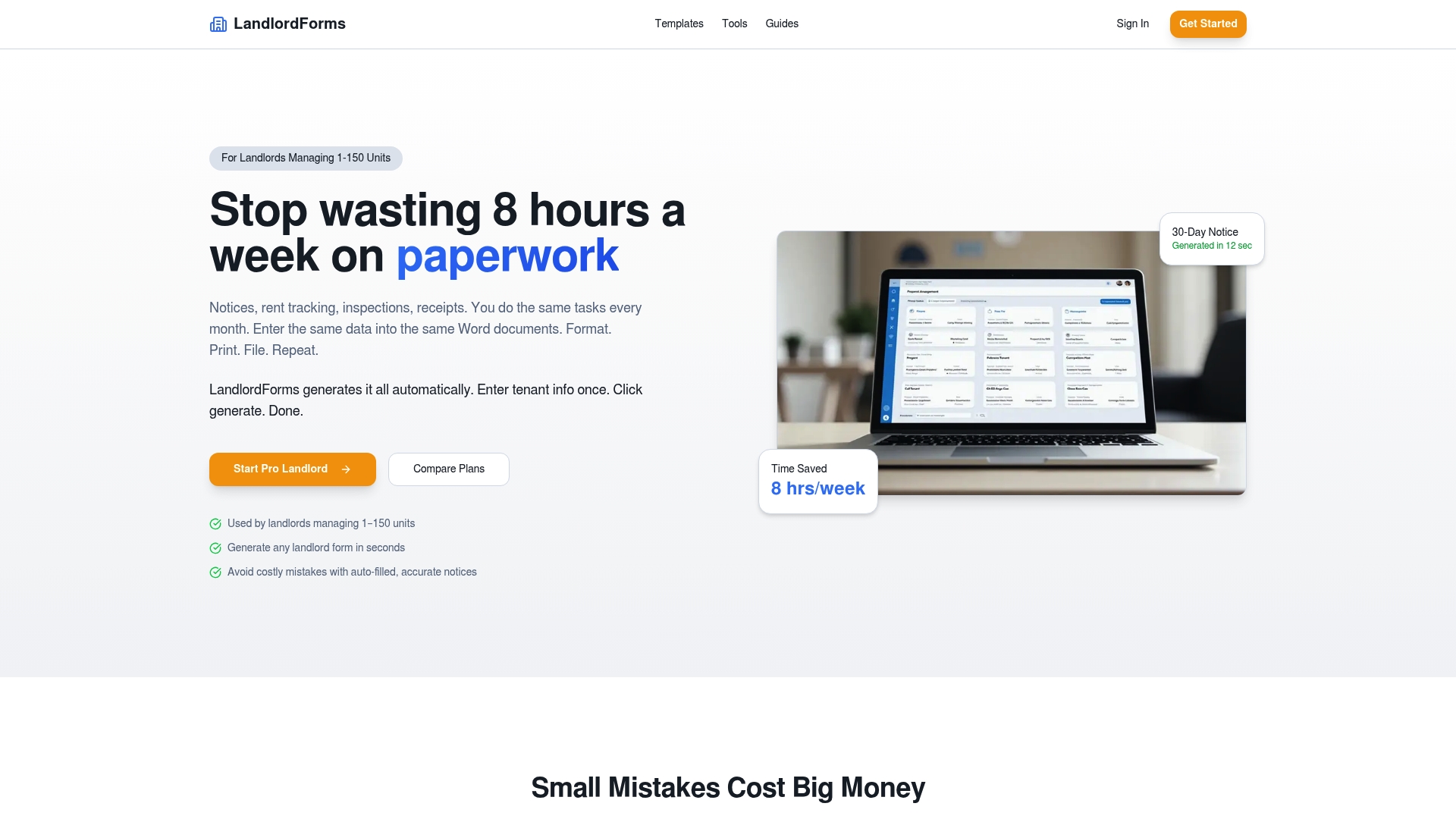
The platform eliminates manual entry errors on high-stakes documents like 30-day notices and rent receipts, and it saves up to eight hours a week on paperwork alone. You can access a full library of landlord document templates to cover every recurring document in your workflow. For rent tracking specifically, the Landlordforms platform includes real-time payment tracking and photo documentation for inspections, so your records are dispute-ready without extra effort.
FAQ
What is a property management workflow?
A property management workflow is a documented sequence of steps for completing a recurring operational task, such as rent collection, maintenance triage, or lease renewal. Each workflow defines a trigger, the steps involved, who owns each step, and the expected outcome.
What is a property management dashboard?
A property management dashboard is a single-screen display of key daily metrics across income, service, and risk categories. Effective dashboards show only the signals that require action today, not historical reports.
Which tasks should a property manager automate first?
Rent collection and maintenance request routing deliver the highest ROI and should be automated first. Manual rent collection costs 0.8 hours per unit monthly, making it the largest recoverable time sink in most operations.
How do I build a property manager document workflow checklist?
List every recurring document type, the trigger that initiates it, the template used, and the person responsible for review. That structure turns a document checklist into an operational control tool rather than a reference file.
How long should an automation pilot run before scaling?
A 30-day pilot on a single workflow is the standard starting point. Track cycle time and error rate weekly, and expand only when the automation success rate stays consistently above 95%.