Top 5 propmanagement.app Alternatives 2026
Managing rental units with outdated paperwork and separate apps leads to mistakes and wasted time for small landlords. Most property management tools charge per unit or put essential features behind paid plans, making them expensive for owners with a few properties. This comparison details pricing, feature limits, and free trial terms so landlords can choose a platform that fits their needs without wasted spend.
Table of Contents
- LandlordForms
- Avail Landlord and Property Management Software
- Innago
- Landlord Studio
- HELM Property Management Software
- Comparison of alternatives
LandlordForms

At a Glance
The vendor advertises saving up to eight hours a week for landlords who adopt the service. LandlordForms targets owners managing 1 to 150 rental units and focuses on paperwork accuracy and document storage. Every plan includes unlimited document generation and a free trial that does not require an account.
Core Features
LandlordForms offers automated document generation for notices, rent receipts, inspections, and leases, with built in checks that flag missing fields. The platform calculates notice deadlines automatically and validates dates to reduce formatting errors. It stores tenant files and inspection photos while providing rent tracking with receipt creation and manual payment logging.
Key Differentiator
The product’s standout capability is that it automates and validates landlord legal documents with a single click, removing manual reformatting and reducing the risk of incorrect notice dates and missing legal language.
Pros
Using the platform reduces repetitive paperwork and lowers the chance of filing errors that can trigger disputes or missed deadlines. Professionally formatted PDFs match common legal expectations, and the system logs rent receipts so you have an audit trail. The service includes legal guides and calculators, and you can create free documents without registering a paid account.
Cons
- Limited to landlords managing up to 150 units, so it does not scale well for larger portfolios.
Who It’s For
Small landlords and part time property managers with portfolios of one to 150 units who prioritize legal accuracy and document organization. Owners who spend significant time preparing notices, receipts, and inspection reports will find the document tools especially useful. Those who need full accounting, tenant maintenance ticketing, or large team workflows may need additional tools.
Unique Value Proposition
Every subscription includes unlimited document generation and a no account free trial, which lets you produce compliant notices and receipts quickly. That design reduces administrative hours and centralizes tenant records so you can prepare for disputes with complete paperwork rather than hunting down files.
Real World Use Case
A landlord with a dozen rental units uses LandlordForms to prepare 30 day notices, log rent payments, and attach inspection photos to tenant records. That workflow cuts back the weekly admin load and lowers the chance of legal mistakes tied to incorrect dates or missing information.
Pricing
Plans run from $9 to $39/month depending on portfolio size and features. Subscriptions include unlimited document generation and access to the resource center, and a free trial is available without entering payment details.
Website: https://landlordforms.io
Avail Landlord and Property Management Software
At a Glance
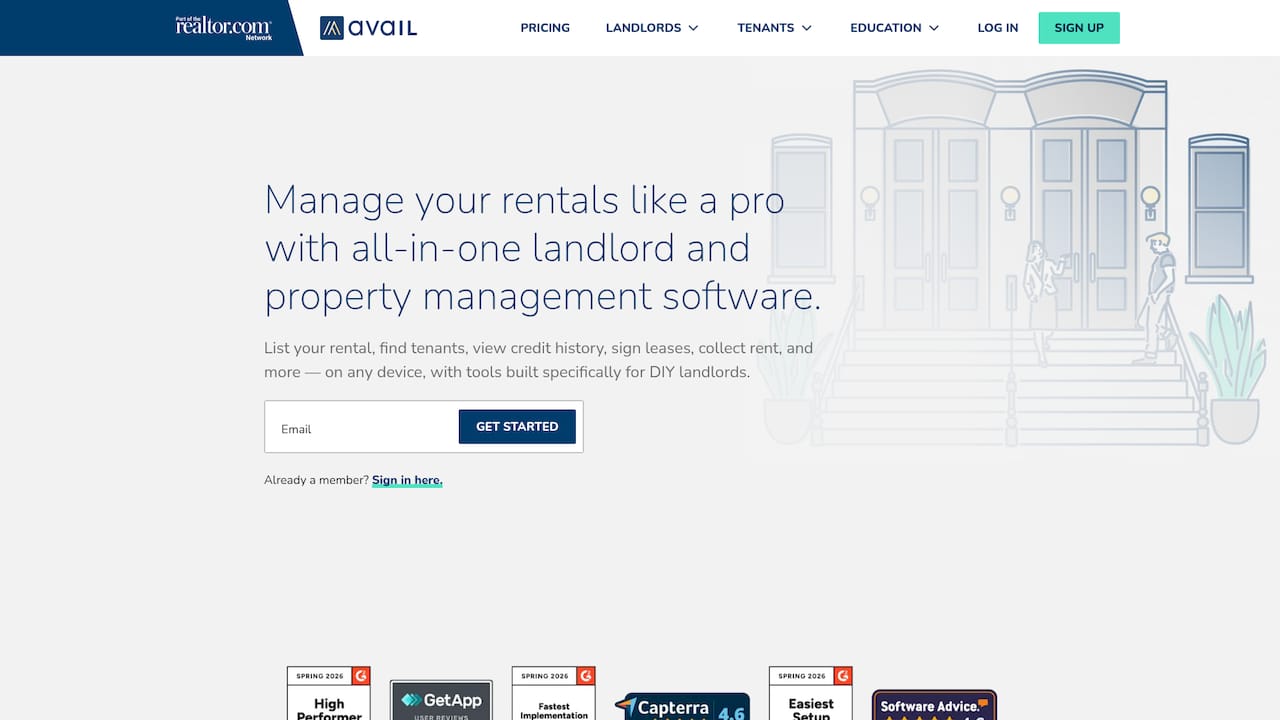
Avail reports over 1 million landlords use the platform. The product combines listing, screening, lease signing, rent collection, and maintenance tracking in one place. Its mix of a usable free tier and optional paid upgrades targets hands on landlords who run their own properties.
Core Features
Listing tools push rentals to major high traffic sites while letting you share listings on social channels. The platform handles online rental applications, tenant screening reports, and lease templates reviewed by lawyers with e signature support. It also provides online rent collection with automatic tracking and a maintenance dashboard that records repair costs and expense details for accounting.
Key Differentiator
The clearest edge is that Avail packages useful management tools into a no cost core offering aimed at DIY landlords, then adds paid upgrades for specific needs. That mix lets smaller owners get started without upfront spend and add features as portfolios grow. The model contrasts with competitors that require paid sign ups for basic workflows.
Pros
The free tier delivers many core tasks that let a landlord list units, screen applicants, and sign leases without paying. Premium upgrades add features such as FastPay, branding, and custom lease templates for greater control and speed. Integrations with major rental sites and approved screening services reduce duplicate entry, and the interface keeps routine tasks visible so you spend less time on paperwork. Customer support includes live help and a library of resources for common landlord questions.
Cons
- Tenant payment processing can incur fees for tenants paying by card unless you move to the paid plan. This raises per transaction cost for some landlords.
- The free tier limits advanced features, so landlords may need the paid option as portfolios grow. That creates recurring costs tied to unit count.
- New landlords report a learning curve for a few features. Training time may be required before using the full feature set.
- Pricing scales with portfolio size which can make Avail less economical for managers of large portfolios.
When It May Not Fit
If you operate a large management firm with many units, the per unit premium pricing may become costly. Organizations that must avoid any tenant payment fees will find default processing adds expense. If you need enterprise grade reporting or custom integrations, Avail may not offer those advanced capabilities.
Who It’s For
DIY landlords managing a few to a dozen rental units will get the most value. People who list on multiple sites, want built in screening, and prefer digital lease signing will find it practical. Landlords who plan to add features over time will appreciate the free entry point and upgrade path.
Real World Use Case
A small landlord listed a unit across several listing sites from a single dashboard, screened applicants online, and executed a state lease with e signature. The landlord then collected rent through the platform each month and tracked maintenance expenses by property. That workflow removed piles of paper and reduced time spent on tenant administration.
Pricing
A no cost core plan covers basic management tasks. Optional premium features are available for a fee quoted as $9 per unit per month for added capabilities. Transaction fees for tenant payments apply unless you subscribe to the paid tier.
Website: https://avail.com
Innago

At a Glance
Free to use with no setup or monthly fees. Innago targets small and mid size landlords and property managers with a broad set of property management tools. The platform covers rent collection, online lease signing, tenant screening, and maintenance workflows across residential, commercial, student, and affordable housing.
Core Features
Online rent collection and electronic lease signing centralize tenant payments and agreements. Tenants can submit maintenance requests and managers can book repairs from the same dashboard. Innago also provides tenant screening, mobile apps, and direct connections to listing sites and accounting packages.
Key Differentiator
Its chief differentiator is offering a user focused toolset with no recurring cost. That model appeals to landlords who want essential management functions without contract commitments. Free pricing removes the financial barrier for smaller portfolios while preserving common landlord workflows.
Pros
The most obvious advantage is the no fee pricing, which removes monthly bill administration for landlords. The interface stays simple, so new users adopt it quickly and start collecting rent and signing leases. Built in maintenance requests and repair booking keep tenant communication and work orders in one account. User reviews praise support and ease of use, and the platform supports multiple property types and integrations.
Cons
- May not include the advanced features required by large property management firms.
- Customization options are limited compared with enterprise solutions, which restricts unique workflows.
- Buyer reviews highlight potential scalability issues for very large portfolios.
When It May Not Fit
Innago may not fit large scale enterprise operations that need advanced reporting and deep customization. Organizations with complex structures will find the configuration options too limited. Very large portfolios that require specialized scaling tools could outgrow the platform.
Notable Integrations
Innago connects to accounting and signing tools such as Quickbooks and Dropbox Sign. It also links to renter insurance and listing channels like Sure, Movoto, Padmapper, Realtor.com, Hotpads, and Bing Real Estate.
Who It’s For
Small to mid size landlords and property managers get the most from Innago. It suits owners who want low cost management for rent collection, leases, and maintenance workflows. Typical users include owners of residential units, student housing, commercial buildings, and affordable housing.
Real World Use Case
A small landlord with a handful of rental units uses Innago to automate rent collection and lease signing. Tenants pay online, submit maintenance requests, and the landlord books repairs from a single account. The lack of monthly fees keeps operating costs low while records and tenant communication remain organized.
Website: https://innago.com
Landlord Studio
At a Glance
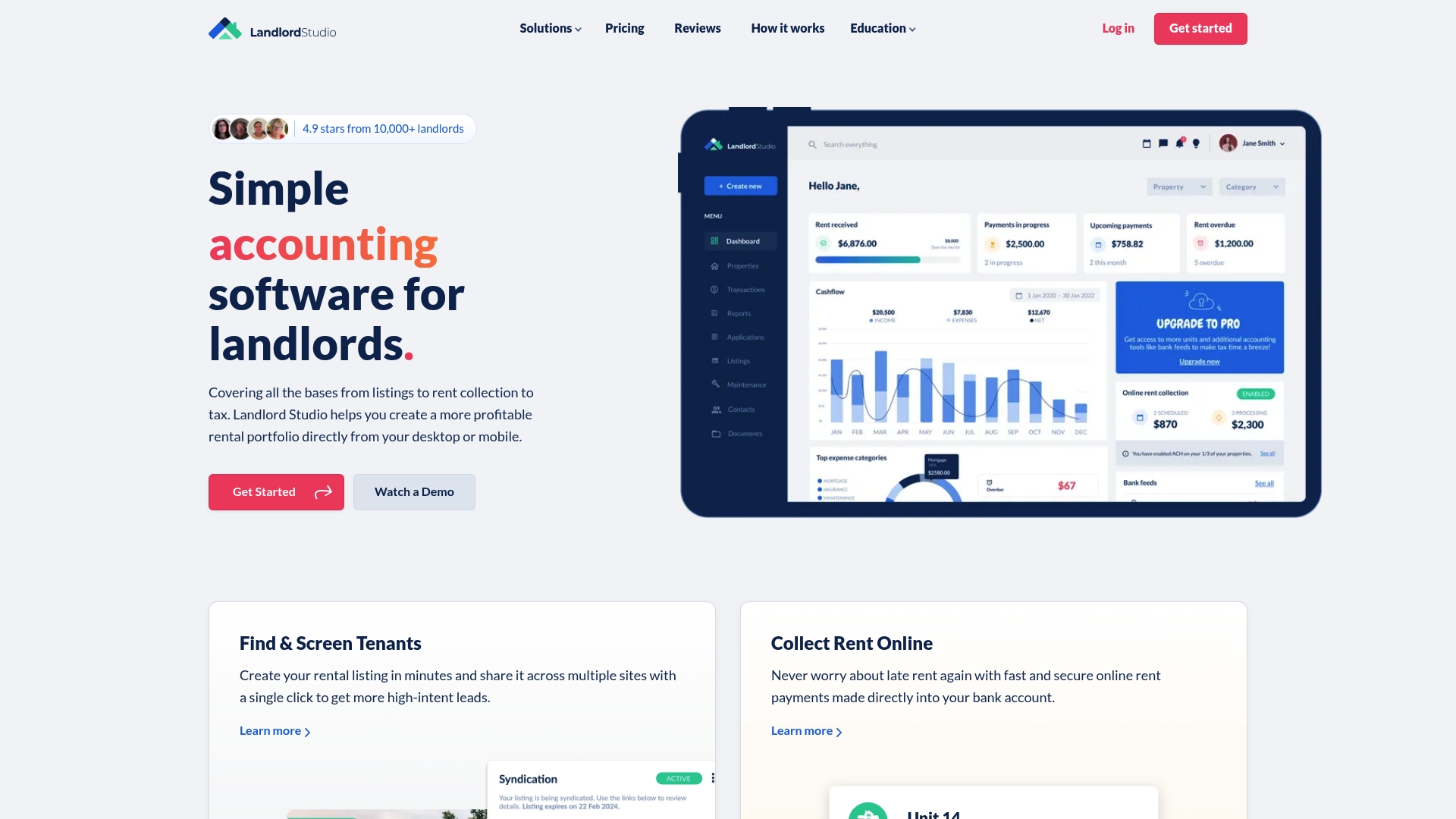
Landlord Studio reports more than 80,000 landlords using the app. The product targets independent landlords and small investors with features that reduce manual bookkeeping. It emphasizes quick rent collection, tenant screening, and basic rental accounting across desktop and mobile.
Core Features
Landlord Studio bundles rental accounting with expense tracking and digital receipts, so you keep income and costs in one place. The app supports online rent collection with automatic reminders and configurable late fees alongside tenant screening and listing creation. Property maintenance requests and job tracking complete the day to day operational flow.
Key Differentiator
The main distinction lies in matching automation to small landlord workflows. Automation handles reminders, late fees, and routine bookkeeping so you spend less time on repetitive tasks. That focus makes the product practical for owners who manage a handful of units and want fewer manual steps.
Pros
The interface is straightforward, which lowers the learning curve for landlords who do not use dedicated accounting software. Built in accounting and expense tracking keeps financial records in one place and eases tax preparation. Rent collection with reminders and late fee rules reduces chasing tenants for payments. Flexible plans let you start on a free tier and scale up as you add properties.
Cons
- Limited to smaller portfolios. This product may not fit large or enterprise operations.
- Some advanced reporting and features sit behind higher tier plans or extra fees. That adds cost as your needs grow.
- Feature depth differs from enterprise rivals. Comparing with larger vendors highlights trade-offs in automation and reporting.
When It May Not Fit
Landlord Studio is not a good option for portfolios structured like property management companies with dozens of units. Teams that need complex workflows or deep custom reporting will find higher tier plans or other vendors necessary. Owners who expect enterprise grade integrations and multi user access should evaluate alternatives.
Notable Integrations
The platform offers an integration with Xero for bookkeeping and accounting reconciliation. That connection helps move rental income and expense data into formal accounting ledgers. No other third party integrations are listed in the product data.
Who It’s For
Independent landlords managing a few units who want an easy to run property tool will find this a close fit. Owners who need automated rent reminders, tenant screening, and basic accounting will appreciate the focused feature set. Investors scaling toward larger portfolios may outgrow the product.
Real World Use Case
A landlord with 3 to 10 units lists properties across rental sites, screens applicants with TransUnion reports, collects rent online, and records expenses for taxes. The workflow moves listings, screening, rent collection, and accounting into one app. That reduces time spent switching between separate services.
Pricing
A free tier covers basic features for single landlords. Paid plans start at $12 per month for Pro and $28 per month for Pro Plus, with discounts for annual billing. Higher tier pricing unlocks advanced reporting and extra property slots.
Website: https://landlordstudio.com
HELM Property Management Software
At a Glance
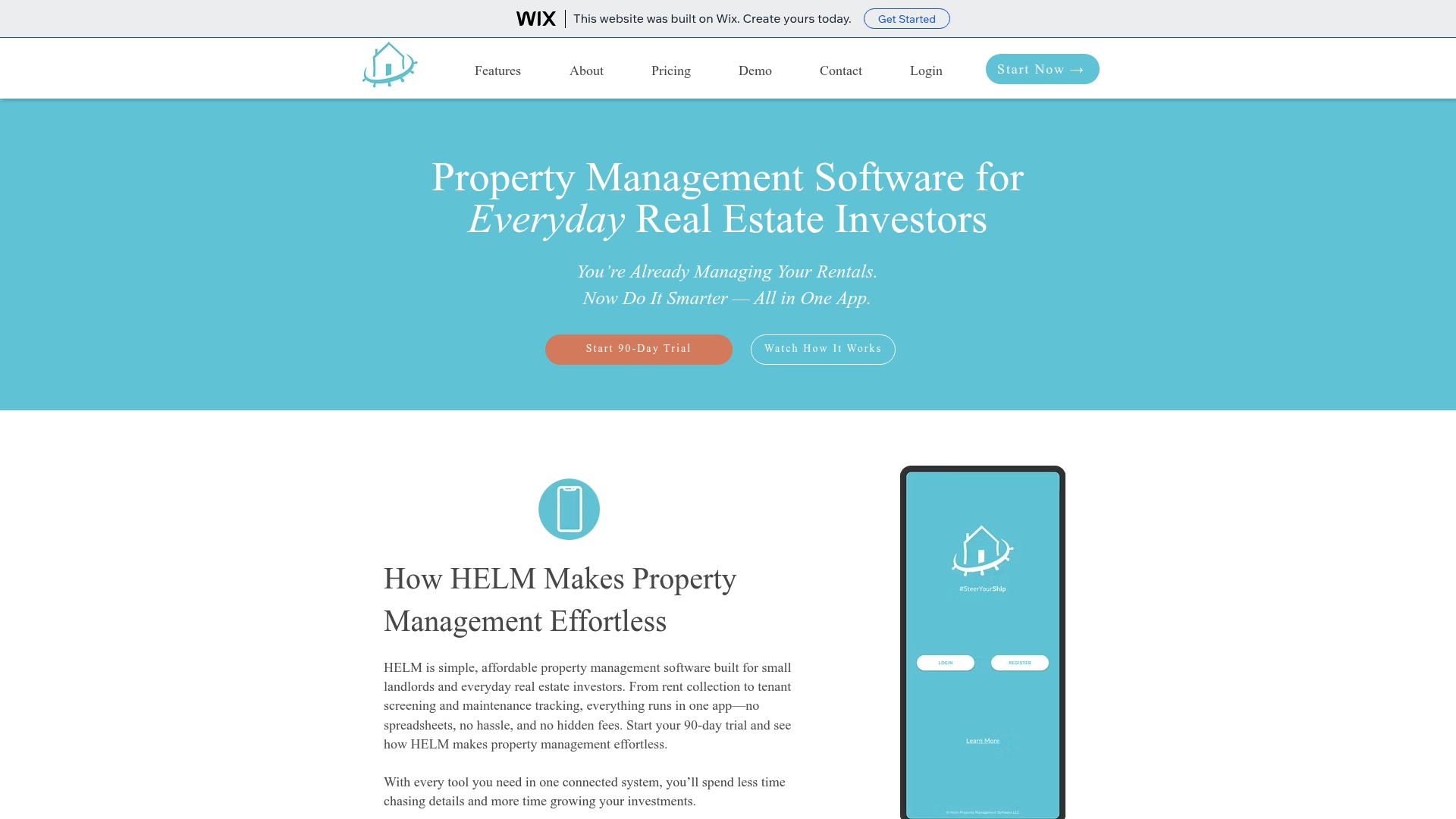
$4.99/month covers unlimited units and includes a free trial that lasts 90 days. HELM targets small landlords managing 1–25 doors and offers both web and mobile access. The platform groups rent collection, tenant screening, maintenance, messaging, and document storage into one place.
Core Features
HELM centralizes rent collection with online payments and automated reminders while offering tenant screening that includes credit checks, background checks, and eviction reports. Maintenance requests move through mobile workflows with real time updates and tenant messaging lives in the same interface. The product also offers document storage, migration support, and partner program features, with electronic signatures listed as coming soon.
Key Differentiator
The single defining angle is the flat monthly rate of $4.99/month that does not charge per unit. That pricing model aims to keep costs predictable for landlords with small portfolios. For owners who want straightforward pricing rather than per door fees, that flat fee is the primary differentiator.
Pros
HELM keeps setup and daily work simple while bundling core property tasks into one product, which eliminates juggling multiple apps. The platform has a mobile app for rent collection and maintenance, and the vendor highlights strong customer support and no long term contracts. The flat monthly rate and explicit claim of no hidden costs make budgeting easier for landlords managing a handful of properties.
Cons
- Limited detail on third party integrations or API support; integration pages appear sparse.
- Electronic signatures and the partner program are listed as coming soon and are not currently available.
- Several website links and referenced pages return errors or do not function reliably.
- Feature descriptions lack advanced reporting and accounting detail for users who need deeper finance workflows.
When It May Not Fit
Landlords with portfolios above 25 units will likely outgrow HELM’s stated target size. Teams that require extensive third party integrations, API access, or immediate eSignature workflows should look elsewhere. Operators needing advanced financial reporting, multi account accounting, or custom automations may find the feature set too basic.
Who It’s For
HELM fits small landlords and real estate investors managing up to 25 units who want a low cost, simple property management tool. It works for DIY owners who prioritize rent collection, basic tenant screening, and phone friendly maintenance handling. Landlords who prefer predictable monthly billing over per unit fees will appreciate the pricing model.
Real World Use Case
A landlord with ten rentals uses HELM to collect rent online and send automated reminders. The landlord runs tenant screening reports from the same interface and responds to maintenance requests via the mobile app. Lease documents stay in platform storage, which reduces file chasing during turnovers.
Pricing
HELM charges $4.99/month for unlimited units and advertises a 90 day free trial to test full features. The vendor describes the fee as flat with no per door charges and no long term contracts.
Website: https://helmpmsoftware.com
Comparison of alternatives
For landlords seeking tools to enhance efficiency and focus on accurate legal documents, several options under the genre of property management software fulfill different needs and priorities.
Legal documentation and cost considerations
LandlordForms distinguishes itself with its legal document automation and validation, targeting owners with one to 150 properties who require efficient compliance in document workflows. However, larger portfolios or those with intricate management needs might find platforms like Avail more flexible due to their scalability and integrated property management. Meanwhile, Innago provides essential property management features without any associated costs, making it appealing to landlords with basic compliance needs and budget constraints.
Pricing structures and capacities
Pricing across these platforms varies widely, influenced by the range of included features. For instance, LandlordForms offers plans from $9 to $39/month tailored to various portfolio sizes, advantageous for those managing up to 150 properties. HELM’s flat $4.99/month with unlimited properties presents an attractive solution for landlords who value predictable and affordable pricing, although its feature set does not extensively cover larger portfolios’ needs. On the other hand, Avail caters to entry-level landlords with a free tier and extends modular paid features, allowing landlords to add only what they need as their portfolios expand.
Best fit
- For landlords managing a medium portfolio up to 150 units seeking efficient legal document automation, LandlordForms offers ease and accuracy.
- Those preferring a no-cost basic plan with additional features can find Avail to be the most accommodating.
- If keeping ongoing costs entirely free while managing smaller portfolios is appealing, Innago fits the requirements.
- Landlords needing a competitive and fixed-cost solution for small portfolios will benefit from HELM Property Management Software.
Our pick
For landlords who prioritize accurate and automated legal document preparation and storage alongside core management functionalities, LandlordForms surfaces as the preferred choice. Its specialized features in compliance with legal documentation standards make it not only a time-saver but also a risk mitigator, which is in property management.
For landlords seeking platforms tailored to efficient property and tenant management, the following solutions offer distinct benefits based on features and pricing.
| Product | Key Feature | Best For | Pricing | Limitation |
|---|---|---|---|---|
| LandlordForms | Automated legal document generation and validation | Landlords managing up to 150 units | $9 to $39/month dependent on plan | Limited scalability for portfolios over 150 units |
| Avail | Free to start with scalable paid upgrades | First-time DIY landlords | Free tier to $9 per unit/month | Tenant payment processing fees on free tier |
| Innago | No-fee comprehensive property management | Small to mid-size landlords | Free | Limited features for large portfolios |
| Landlord Studio | Rental accounting with expense tracking | Independent landlords with a few units | Free tier; Pro Plans $12–$28/month | Feature depth lower at higher portfolio sizes |
| HELM | Flat fee covers unlimited units | Small landlords preferring set costs | $4.99/month | Limited advanced tools and integrations |
How Can Small Landlords Cut Time Spent on Paperwork and Avoid Legal Mistakes?
Managing 1 to 150 rental units means handling many legal documents and tenant records. The article highlights the challenge of juggling notices, rent receipts, and inspections while staying legally accurate. Landlordforms solves this by automating and validating important landlord forms like 30-day notices and rent receipts. This reduces errors that cause disputes or missed deadlines and saves landlords up to eight hours a week.
If you are a small landlord or part-time property manager looking to reduce paperwork errors and keep tenant information organized, try Landlordforms. Learn more about Landlordforms to generate professional landlord documents with just a few clicks and maintain an audit trail for rent payments and inspection photos. See how simple it is to protect yourself from costly mistakes while saving valuable time.
FAQ
What features make Landlordforms suitable for small landlords?
Landlordforms excels in providing automated document generation and rent tracking. The platform automates notices, rent receipts, and inspections while flagging missing fields, which helps reduce filing errors. Small landlords can expect a more organized approach to paperwork using this service.
How does Landlordforms compare to Avail?
Avail offers a free core plan that allows landlords to list units and screen applicants without upfront costs, making it appealing for DIY landlords. In contrast, Landlordforms is ideal for those who prioritize legal accuracy and document organization, as it automates and validates landlord legal documents efficiently.
What pricing options are available with Landlordforms?
Plans for Landlordforms range from $9 to $39 per month based on the number of rental units managed. This pricing structure includes unlimited document generation and access to resource centers, allowing landlords to choose a plan that fits their needs.
Can larger portfolios benefit from using Landlordforms?
Landlordforms is tailored for landlords managing up to 150 units. Owners with larger portfolios may need to look for additional tools, as Landlordforms may not scale well for extensive property management requirements.
Does Landlordforms provide any free trial options?
Yes, Landlordforms offers a free trial that does not require an account, allowing landlords to test the service without commitment. This enables users to explore the features before deciding on a subscription.