From $9 to $1,260: How to Budget Property Management Software Costs

Most landlords pay a monthly amount for property management software that varies, largely depending on how many units you manage and which add-ons the vendor bundles into higher tiers. Entry-level tools start cheap but cap out fast, mid-range plans add automation and support, and advanced suites can climb well past $1,200 a month for larger portfolios, based on Capterra’s pricing data. The section below on estimating your own total walks through a repeatable way to land on your number.
TL;DR:
- Small portfolios under 30 units typically pay between $125 and $250 monthly for mid-range property management plans with automation and support.
- Larger portfolios of 120 units or more often spend from $400 to over $1,200 monthly, especially with support tiers or dedicated account management.
- Vendors often charge per unit, with minimum fees or tiered plans that increase costs as the portfolio grows, requiring careful calculation before signing.
- Extra fees for onboarding, screening, payments, or support add significantly to the advertised prices, so requesting a full fee schedule is essential for budgeting.
- LandlordForms offers affordable automation tools starting at $9 monthly, focusing on manual paperwork reduction for portfolios up to 150 units.
Table of Contents
- Pricing at a glance: what entry, mid, and advanced tiers actually cost
- Common pricing models and what each means for your bill
- Cost drivers, add-ons, and hidden fees to budget for
- Typical costs by portfolio size, with worked examples
- How to estimate your monthly and annual software cost
- Negotiation checklist and contract red flags to watch
- When paying more actually saves you money
- How LandlordForms fits into your budget
- Where these numbers come from
- Sources
- FAQ
Pricing at a glance: what entry, mid, and advanced tiers actually cost
Vendors rarely advertise one clean number, so it helps to think in three bands. Entry-level plans are built for owners with a handful of doors and usually skip advanced screening, accounting, or API access. Mid-range plans add the features most small property managers actually use day to day. Advanced tiers exist for portfolios large enough that support, integrations, and compliance tracking justify a bigger bill.
- Mid-range plans add tenant screening, e-signatures, and maintenance tracking, usually priced per unit with a monthly minimum baked in.
The jump from mid to advanced pricing rarely comes from a single feature. It usually comes from a stack of things landlords don’t budget for until the invoice arrives: extra user seats, higher screening volume, or a support tier that used to be free. Monthly minimums matter just as much as the per-unit rate. A vendor charging $2 per unit sounds cheap until you learn the plan has a $150 floor, which means a 10-unit owner pays the same rate as someone with 75 units.
Common pricing models and what each means for your bill
Software vendors price property management tools four main ways, and each one changes how your bill grows as your portfolio does.
- Per-unit pricing charges a flat rate for every unit under management, commonly $1 to $5 per unit per month, though minimums often override the math for small portfolios.
- Tiered or feature-based pricing groups functionality into packages (Basic, Pro, Premium), where the feature you actually need is often locked one tier above the one that looked affordable.
- Flat-fee pricing charges one price regardless of unit count, which favors larger portfolios and penalizes owners with just a few doors.
- Per-square-foot pricing is more common in commercial property management and scales with building size rather than unit count.
The math matters here. If a vendor charges $3 per unit with a $125 minimum, a 20-unit owner pays $125 (the minimum wins), while a 60-unit manager pays $180 (the per-unit rate wins). That crossover point is worth calculating before you sign anything, since it tells you exactly when your portfolio outgrows the minimum.
Tiered pricing hides costs differently. A plan might look affordable at $29 a month until you discover that tenant screening, one of the features you need most, only unlocks at the $59 tier. Vendors know that headline price gets the click, so read the feature list line by line before assuming the cheap tier covers your workflow.
Solo owners with a handful of units usually do best with simple per-unit or flat-fee pricing, since there’s no minimum to outgrow and no tier to climb. Managers scaling past 30 or 40 units tend to benefit more from tiered plans, since the added automation and reporting start paying for themselves once volume goes up.
Cost drivers, add-ons, and hidden fees to budget for
The advertised price is rarely the price you pay. Capterra’s research notes that implementation, integration, and customization are common upfront costs, while maintenance and support tend to show up as recurring line items that never made it into the sales pitch.
- Onboarding and data migration fees can run into the hundreds of dollars; ask whether the vendor will credit or waive this fee, and if not, spread it across your first year to see the real monthly impact.
- Payment processing usually splits between ACH transfers (often cheaper, sometimes flat-fee) and card payments (typically a percentage per transaction), and some vendors pass the card fee to the tenant while others absorb it.
- Tenant screening, e-signature, and API or integration access are frequently priced per use or bundled into a higher tier, so check whether your expected volume makes the bundle worth it.
- Premium support (phone access, dedicated account manager, faster response times) is often an add-on rather than a standard feature, even on mid-tier plans.
- Mandatory upgrades happen when a feature you assumed was included turns out to require the next tier up, quietly raising your effective monthly cost.
Pro Tip: Ask every vendor for a complete fee schedule before signing, not just the advertised per-unit rate. The gap between the headline price and the fee schedule is where most budgets get blown.
Advertised per-unit prices are often a teaser rate, and the full fee schedule, covering processing, screening, and required add-ons, usually defines what you actually pay every month.

Typical costs by portfolio size, with worked examples
Portfolio size changes not just your total bill but which pricing model makes sense in the first place.
- A 3-unit owner managing units personally will usually land in the $9 to $19 a month range with a lightweight tool focused on rent tracking and notice generation, since most per-unit vendors have minimums that make small portfolios pay a flat entry fee regardless of unit count.
- Portfolios approaching 150 to 200 units or those needing custom integrations frequently move into enterprise quote territory, where vendors negotiate pricing individually rather than publish a rate card.
These figures assume standard features. Add heavy screening volume, multiple properties in different states with different compliance rules, or a large support team, and the number moves up fast regardless of which band your unit count suggests.
How to estimate your monthly and annual software cost
Comparing vendor quotes apples to apples takes a few extra minutes, but it saves you from a nasty surprise three months in.
- Identify the pricing model (per-unit, tiered, flat, or per-square-foot) and write down the headline monthly fee the vendor quotes you.
- Apply your actual unit count against that rate, then check it against any stated minimum. Use whichever number is higher.
- Add recurring add-ons you know you’ll use: screening fees per applicant, payment processing per transaction, e-signature costs per document.
- Amortize onboarding fees over 12 months and add that monthly figure to your running total, since a one-time $600 setup fee is really a $50-a-month cost in your first year.
- Build in a contingency buffer of roughly 10% to 15% to cover the mandatory upgrade or support tier you didn’t anticipate.
- Multiply by 12 to get your annual total, which is the number that actually matters when comparing two vendors with different fee structures.
Most buyers budget more than $120 a month per user once they factor in mid-level features and support. That figure is a useful sanity check: if your estimate lands well below it but you’re expecting mid-tier features, you’ve probably missed a fee somewhere in the schedule.
This method works whether you’re comparing three quotes or deciding if your current platform is worth renewing. The goal is a single annual number you can hold up against your actual rental income, not a headline rate that only tells part of the story.
Negotiation checklist and contract red flags to watch
Vendors are less likely to discount support or implementation costs once you’re already integrated, which means your negotiating leverage is highest before you sign anything.
- Request a complete fee schedule in writing, including every add-on you might plausibly need, and push for an onboarding credit if the setup fee feels steep.
- Ask for a cap on annual price increases and get clear language on whether payment processing fees pass through to you or your tenants.
- Avoid non-refundable migration fees and contracts that auto-renew for multiple years without a straightforward opt-out clause.
- Get support commitments in writing, including response times, and ask whether pricing protections apply if the vendor changes its tier structure later.
Pro Tip: Negotiating an onboarding credit and a cap on year-over-year increases are two of the highest-leverage asks you can make, and both often work simply because you asked.
When paying more actually saves you money
Cheaper software is the right call for an owner-operator with a few units and simple leases who just needs receipts and a rent ledger. Once you’re juggling multiple state compliance rules, frequent tenant turnover, or documentation for disputes, the math flips: an hour of your time recreating a botched notice or defending an eviction in court costs more than most software tiers ever would. Paperwork automation, the kind that generates state-specific notices and keeps a timestamped rent ledger, directly targets the cost driver most landlords underestimate: their own hours.
— Igor
How LandlordForms fits into your budget
LandlordForms is built for landlords managing 1 to 150 units, and it targets the exact cost driver that eats the most time on a small portfolio: manual paperwork. Instead of drafting notices by hand or tracking rent payments across spreadsheets, the platform automates document generation, including 30-day notices and rent receipts, and keeps tenant information and inspection photos organized in one place.
- Starter Landlord runs $9 a month and fits owners with a small number of units who mainly need form automation and rent tracking.
- Pro Landlord runs $19 a month for landlords who need deeper document organization across more properties.
- Small PM Suite runs $39 a month for managers running a small portfolio who need the fullest set of automation and tracking tools.
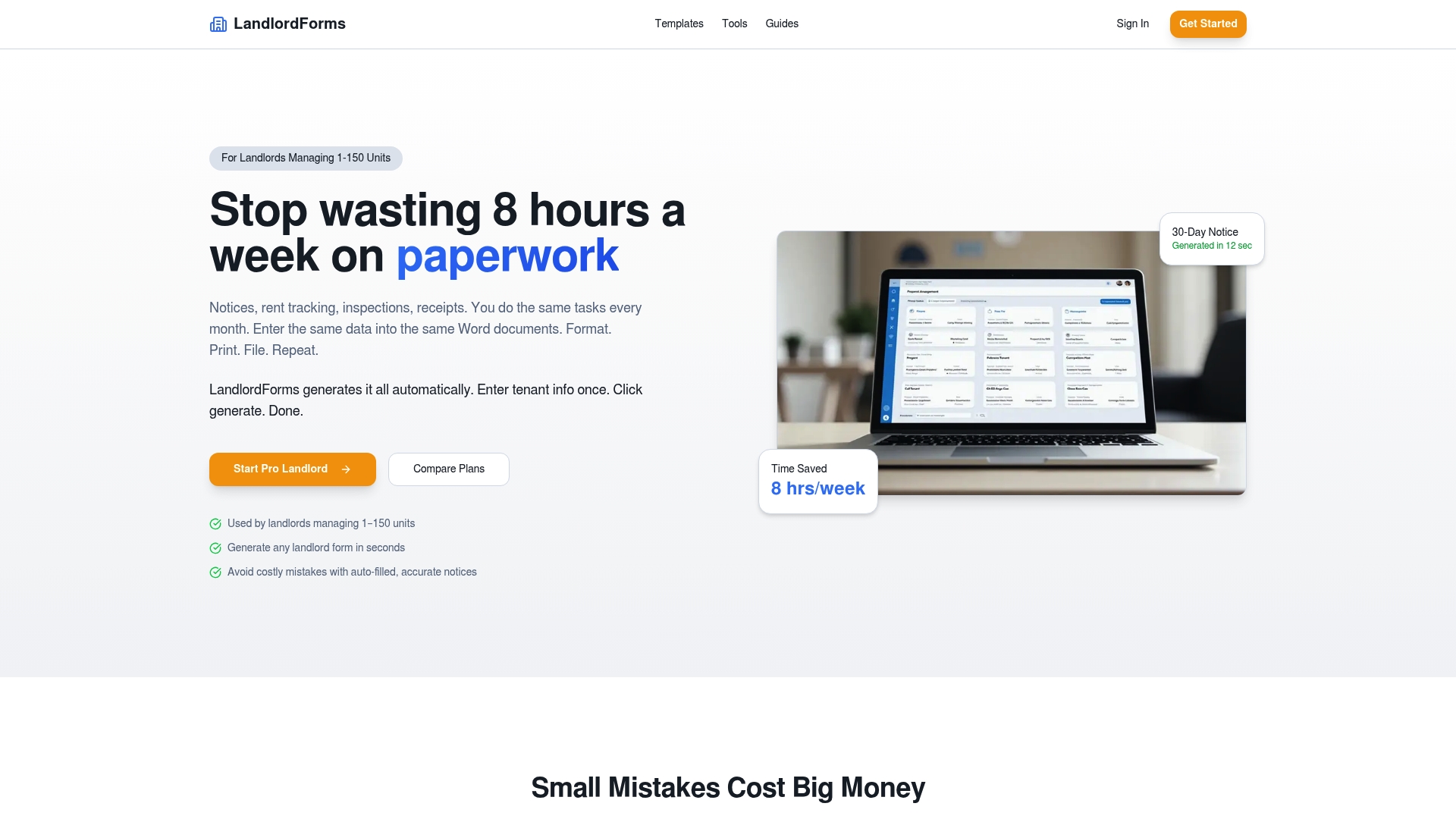
If you’re still building out your budget, the free rent proration calculator and rent ledger template are useful starting points before you commit to a paid tier. You can compare all three plans and start a trial on the LandlordForms plans page.
Where these numbers come from
- The rental property expense spreadsheet for tracking software costs alongside other expenses.
- A partner perspective on implementation and marketing costs when adopting a new platform.
- A comparison of alternative tools for landlords weighing low-cost versus full-featured options.
FAQ
Is property management software worth the cost?
For landlords juggling multiple units, state-specific compliance, or frequent tenant turnover, the time saved on paperwork and the reduced risk of a costly compliance mistake usually outweigh the monthly fee. Owners with one or two units and simple leases may find a free spreadsheet or basic tool does the job just as well.
What is the most used property management software?
Usage varies widely by portfolio size and feature needs, and no single platform dominates across every segment of the market. The right fit depends more on your unit count, budget, and which features (screening, accounting, automation) matter most to your workflow.
Can landlords manage property without paid software?
Yes, many owner-operators with a small number of units track rent and generate notices manually or with free templates and spreadsheets. As a portfolio grows or compliance requirements get more complex, most landlords find that automated document generation and rent tracking save enough time to justify a paid tool.
Does QuickBooks offer property management software?
QuickBooks is accounting software, not a dedicated property management platform, though many landlords use it alongside a property management tool for bookkeeping and tax prep. It doesn’t natively handle features like automated lease notices, tenant screening, or inspection documentation.