1–150 Unit Landlords: Start Rental Forms Automation, Compliance First

Rental forms automation replaces manual paperwork with a property-aware system that generates leases, notices, and receipts automatically while attaching the right disclosures for each unit. The right setup catches mistakes a busy landlord would otherwise miss, like a missing lead disclosure or a wrong notice date, and it keeps a signed record for every document. Tools like LandlordForms build this logic into templates so you don’t have to remember every rule yourself.
TL;DR:
- Automation tools must handle state-specific clauses, lead disclosures for pre-1978 buildings, and proper electronic delivery consent to ensure legal compliance.
- Templates should include conditional logic for property age and location, automatically attaching the necessary disclosures and addenda without manual selection.
- Integrating tenant screening, payment processing, and document workflows reduces errors and saves time, especially for portfolios with multiple units or frequent notices.
- Regular review and testing of workflows are essential to avoid missed disclosures or incorrect notices, especially when legal requirements or property details change.
- Starting with a single property or workflow and confirming audit trails and consent capture helps landlords reliably expand automation across their portfolios.
Table of Contents
- What Does Rental Forms Automation Actually Do?
- What Features Matter Most in a Rental-Forms Tool?
- What Compliance Rules Apply to Automated Rental Paperwork?
- How Do You Set Up an Automated Rental-Forms Workflow?
- Which Templates and Integrations Actually Reduce Errors?
- Why LandlordForms Fits This Workflow
- Where Automation Helps and Where It Can Still Go Wrong
- Try LandlordForms on One Property Before You Commit
- Primary Sources for Compliance Reference
- Sources
- FAQ
What Does Rental Forms Automation Actually Do?
Automation takes a repeatable document and turns it into a workflow: enter tenant and property data once, and the system produces leases, renewal notices, 30 or 60 day notices, rent receipts, tenant applications, and inspection reports on demand. Instead of retyping addresses and recalculating notice deadlines by hand, you pull from stored records and let the software handle the math.
This matters most in a few specific situations:
- Portfolios with several units, where the same lease clauses and notice templates get reused dozens of times a year
- Frequent lease renewals or month-to-month tenancies that generate a steady stream of notices
- Landlords juggling property management alongside a day job, where a missed date or a math error in a rent calculation becomes expensive
The payoff is faster turnaround on paperwork, fewer date and rent-calculation errors, and a single place to find every tenant’s history instead of scattered folders and email threads.
What Features Matter Most in a Rental-Forms Tool?
Not every automation tool handles the legal complexity of rental paperwork the same way. Before you commit to one, check for these capabilities:
- A template library with state-aware clauses. Rental law varies by state, and a generic template can leave out a clause your state requires.
- E-signature support with a real audit trail. You need timestamps, identity verification, and a signed record, not just an image of a signature dropped into a PDF.
- Conditional logic tied to the property. A tool should know a building was built before 1978 and automatically attach the lead disclosure packet without you having to remember.
- Workflow triggers for renewals and late rent, plus delivery through email, a tenant portal, or print for tenants who aren’t online.
- Integrations with payment processors, tenant screening providers, and accounting software so data doesn’t have to be re-entered three times.
- Access controls and retention settings that keep records exportable if a dispute ever goes to court.
Pro Tip: Ask any tool you’re evaluating how it handles a mixed portfolio, some pre-1978 units and some newer. If the answer is “you have to remember to pick the right template yourself,” that’s a manual process wearing an automated costume.
What Compliance Rules Apply to Automated Rental Paperwork?
Automating a document doesn’t exempt you from the law behind it. A few rules apply specifically to how rental paperwork gets created and delivered:
- Lead paint disclosure. For most housing built before 1978, federal rules require disclosing known lead hazards, handing over the EPA’s lead-based paint disclosure pamphlet, and including a Lead Warning Statement before the lease is signed. Signed acknowledgments need to be kept on file, not just sent and forgotten.
- Consent for electronic delivery. Under ESIGN, you need affirmative consumer consent to send legally required documents electronically, and you have to reasonably demonstrate the tenant can actually access the format you’re sending, according to an FTC report on ESIGN’s consumer-consent provision. Retention of that consent record matters as much as the disclosure itself.
- Tenant screening notices. If you deny an application based on a consumer report, FTC guidance on using consumer reports makes clear you need to send an adverse-action notice and keep records showing why the decision was made.
- Program-specific exceptions. HUD’s guidance on electronic signatures allows e-delivery of HUD-related forms where law permits, but flags that some program documents or local rules still require a wet signature. If you manage any subsidized units, check the specific program rules or talk to counsel before automating those forms.
The common thread: consent capture, proof-of-delivery logs, and versioned templates aren’t bureaucratic extras. They’re what turns “I sent the notice” into something you can actually prove.
How Do You Set Up an Automated Rental-Forms Workflow?
Getting from paper folders to a working system takes less time than most landlords expect if you follow a clear order.
- Inventory your repeatable documents. List every form you generate regularly and flag which ones need conditional clauses, lead disclosures for older buildings, HUD forms for subsidized units, or state-specific language.
- Map your data fields. Tenant names, property addresses, move-in dates, and rent amounts should live in one place your templates can pull from, not three spreadsheets. Our tenant onboarding document checklist is a decent starting inventory if you’re building this from scratch.
- Build or select templates with placeholders and logic. Set flags for property age and state so the right addenda attach automatically instead of relying on memory.
- Configure triggers and delivery. Decide what launches a renewal notice or late-rent notice, and turn on e-signature capture with a full audit trail.
- Test before you go live. Run a sandbox tenant record through the whole workflow, confirm the lead disclosure and adverse-action steps fire correctly, then roll it out to one real property before expanding to your full portfolio.
Pro Tip: Run your first live document through the workflow for a property you know well. If something’s wrong with a conditional clause or a trigger, you’ll catch it fast instead of finding out after fifty tenants have the wrong notice.
Which Templates and Integrations Actually Reduce Errors?
Most landlords settle on a handful of template bundles they reuse constantly: an onboarding packet, a lease paired with its required addenda, a move-in and move-out checklist, inspection report forms, and rent receipt templates. Bundling them this way, rather than treating each as a one-off document, is what makes automation actually save time.
A typical integration sequence looks like this: a tenant fills out an application, a screening report comes back through an FCRA-compliant provider, the system generates a conditional lease based on that data and the property’s state and age, the tenant e-signs it, and the payment gets posted to a running ledger automatically. Property management platforms increasingly bundle these steps together rather than leaving landlords to stitch separate tools together.

One caution worth repeating: freeform AI text generation is not a substitute for state-aware template logic when a document carries legal disclosure requirements. A generated lease that sounds right but omits a required clause is worse than no automation at all, because it looks finished. Structured templates with version control, like the ones described in our guide to standardizing your rental agreement process, protect you from that gap.
Why LandlordForms Fits This Workflow
LandlordForms is built specifically for landlords managing 1 to 150 units, which is the range where manual paperwork stops being a minor annoyance and starts eating real hours every week. It automates the documents this article just walked through: 30 and 60 day notices, rent receipts, lease agreements, and rent ledgers, while organizing tenant and property data in one place instead of scattered files.
Beyond generating documents, LandlordForms tracks rent payments in real time and stores photo documentation from inspections, which matters if a security-deposit dispute ever ends up in front of a judge. If you’re testing whether automation fits your portfolio, start with one property and one workflow, a lease renewal or a rent receipt cycle, and confirm the consent capture and audit trail hold up before rolling it out further.

Where Automation Helps and Where It Can Still Go Wrong
Automation catches the errors that come from doing the same task hundreds of times by hand: wrong dates, missing signatures, forgotten disclosures. What it doesn’t do on its own is replace judgment. Templates need regular review as state laws change, and someone on your team needs to know what to do when a workflow hits an exception it wasn’t built for, like a tenant who refuses e-delivery or a property that changes classification mid-lease.
The landlords who get the most out of automation start with one workflow, check the audit trail it produces, and only then expand to the rest of their portfolio.
— Igor
Try LandlordForms on One Property Before You Commit
LandlordForms replaces the spreadsheet-and-email approach most small landlords default to with a system built around the exact documents you generate every month: notices, receipts, and leases with the state-specific logic already built in.
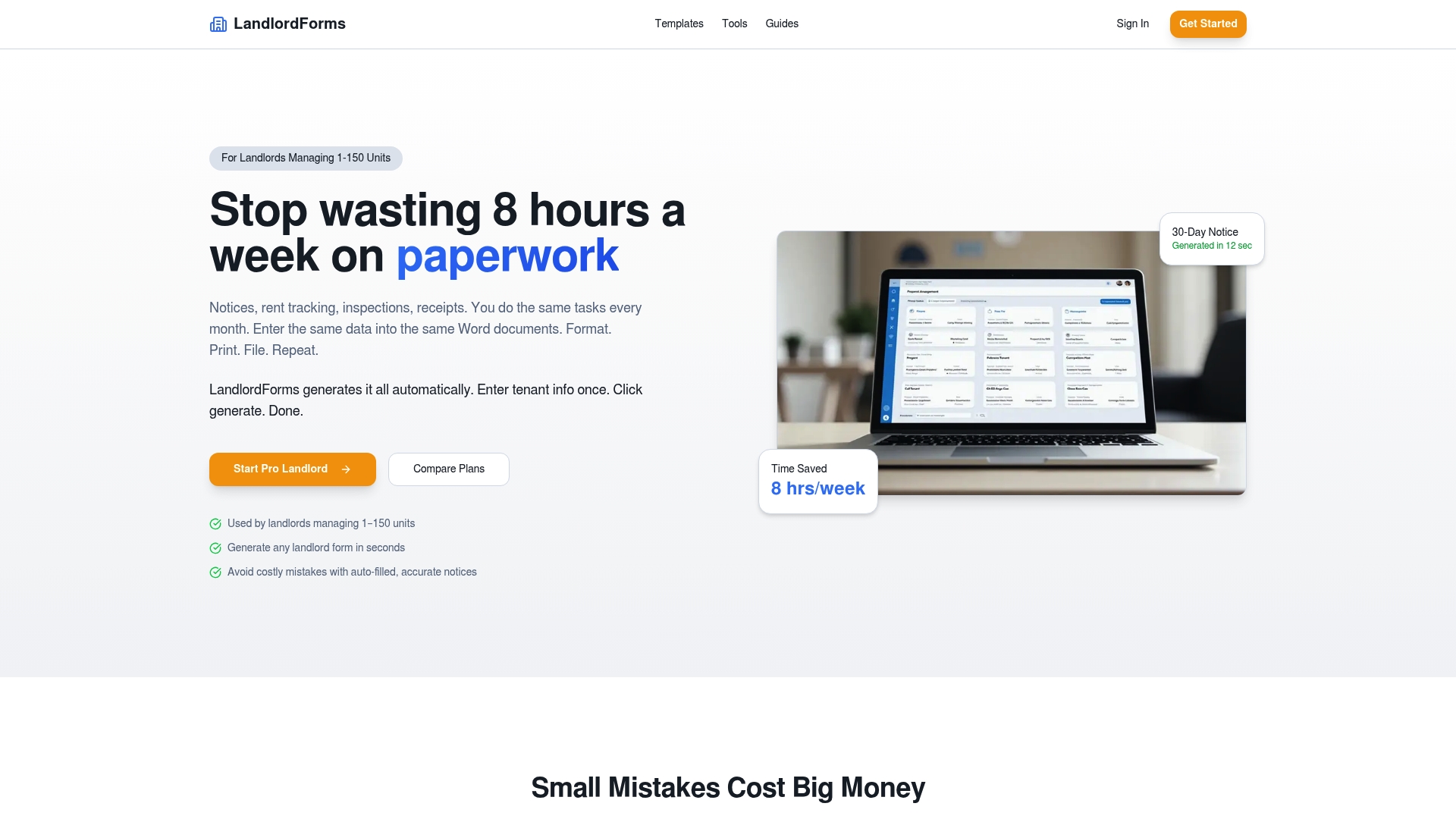
If you manage anywhere from a single rental to a 150-unit portfolio, the LandlordForms platform handles the plans most landlords actually need. Starter Landlord runs $9 a month, Pro Landlord is $19 a month for growing portfolios, and the Small PM Suite at $39 a month covers small property managers juggling multiple owners. Before you subscribe to anything, grab the free rent ledger template and run it against one property this week. If it saves you the hour you’d otherwise spend reconciling payments by hand, you’ll know the fuller automation is worth setting up.
Primary Sources for Compliance Reference
Verify these rules directly rather than relying on secondhand summaries. The EPA’s lead-based paint disclosure rule covers required pamphlets and sample disclosure forms for pre-1978 housing. The FTC’s guidance on consumer reports explains adverse-action notice requirements under FCRA. HUD’s e-signature guidance details when electronic delivery is permitted for program-related forms and when it isn’t.
Sources
- Lead-Based Paint Disclosure Rule (Section 1018 of Title X) | US EPA
- Using Consumer Reports: What Landlords Need to Know | Federal Trade Commission
- Electronic signature guidance (HUD)
FAQ
How Can I Automate Filling Out Rental Forms?
Use a property-aware automation tool that stores your tenant and unit data once and pulls it into templates automatically, rather than retyping information into a new form each time. Look for tools with conditional logic, like LandlordForms, that flag when a property needs extra disclosures such as lead paint materials for older buildings.
Can ChatGPT Create a Lease Agreement?
A general AI chatbot can draft lease-like text, but it doesn’t reliably know your state’s required clauses or apply property-specific rules like lead disclosure for pre-1978 buildings. Regulatory guidance from the EPA points toward deterministic, state-aware templates over freeform AI text for any document carrying legal disclosure requirements.
What Is the Best Free Software for Landlords?
Free tools work well for one-off documents like a rent receipt or a basic notice, and LandlordForms offers free templates without requiring an account. For ongoing portfolio management across multiple units, a paid plan starting at $9 a month typically pays for itself in saved hours once you’re generating more than a handful of documents monthly.
How Do I Automate Rent Payments?
Rent payment automation typically connects a payment processor to your ledger so payments post and receipts generate without manual entry. LandlordForms tracks rent payments in real time and keeps that data tied to the same tenant record used for notices and receipts, which keeps your books and your paperwork in sync.